Menu Operations
Function Menu Options
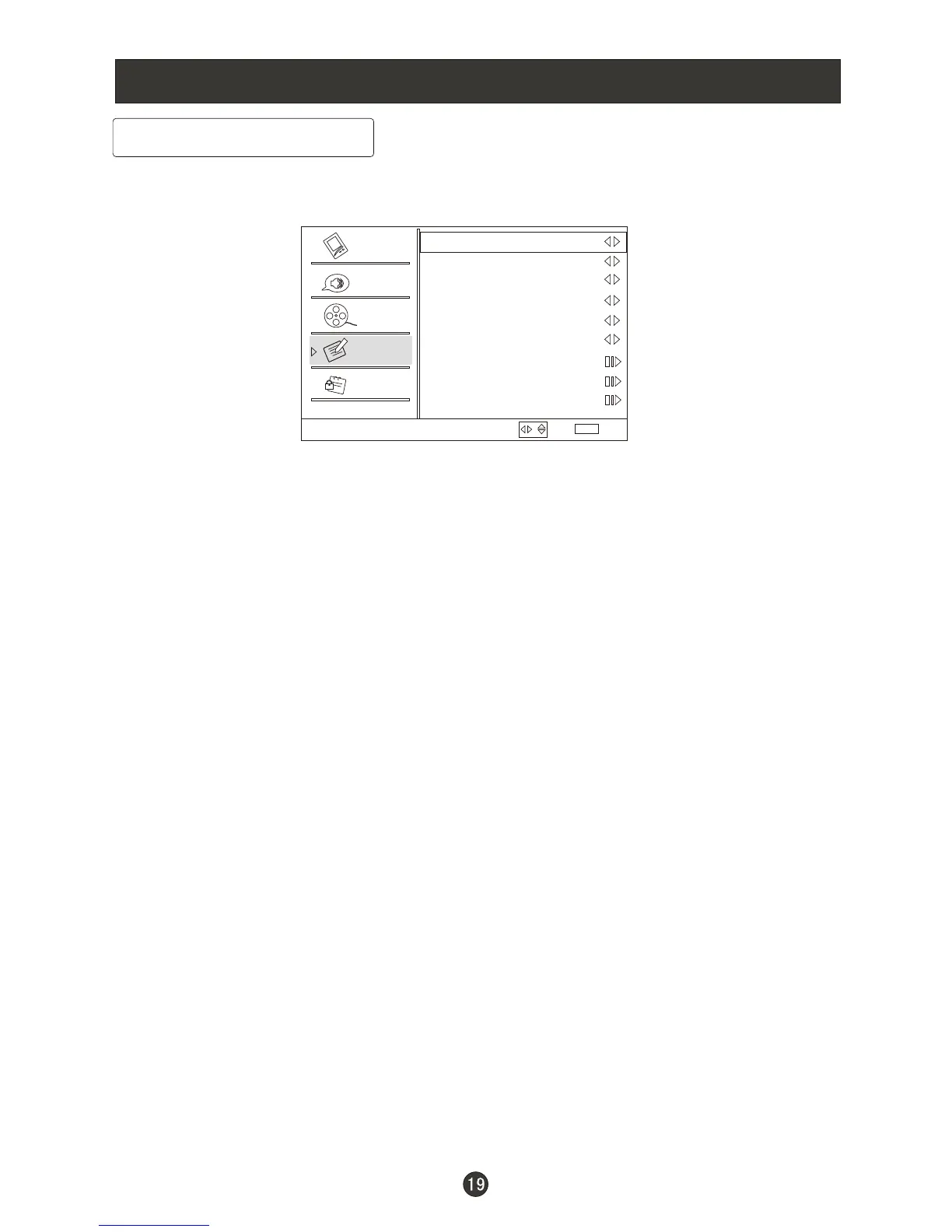
1. Press MENU button and /CH- until the following menu appears on the
screen.
2. Press /ENTER button to enter the Function menu and /CH- to go up
and down to select the desired option .
3.Press /ENTER button to confirm and increase and decrease
the level to adjust the selected option to your preference .
4. Repeat step 2 and step 3 until desired quality has been achieved .
Function:
Language: Press button to select language of the OSD.
OSD Timeout: Press to select Middle, Short and Long to change
the time of the OSD display.
OSD Transparency: Press to select among Low, High and Middle
to change the transparency of the OSD. To select Low, the OSD is opacity.
Screen Mode: Press to select among Normal, Wide, Zoom and
Cinema to change the display mode.
( display mode may differ from different inputs)
Blue Screen: Press to select On , the screen will be in blue after
3 seconds if there is no signal.
DPMS: PC Power Management. To set On, the set will be in standby mode
automatically if no signal in 2 minutes; if signal input , the set will be on again
automatically.
Time Setup: Press /ENTER to enter the submenu.
Time Zone: Press to select the appropriate time zone.
CH+
VOL+ CH+
VOL+ VOL- VOL+
VOL- VOL+
VOL- VOL+
VOL- VOL+
VOL- VOL+
VOL- VOL+
VOL+
VOL- VOL+
/
/
/
/
/
/
/
Function
Language English
OSD Timeout Short
OSD Transparency Middle
Screen Mode
Blue Screen On
DPMS On
Time Setup
Closed Caption
Default
Normal
Select
Back
EXIT
Video
Audio
Channel
Lock
Function
/



 To Next Page