USB Input
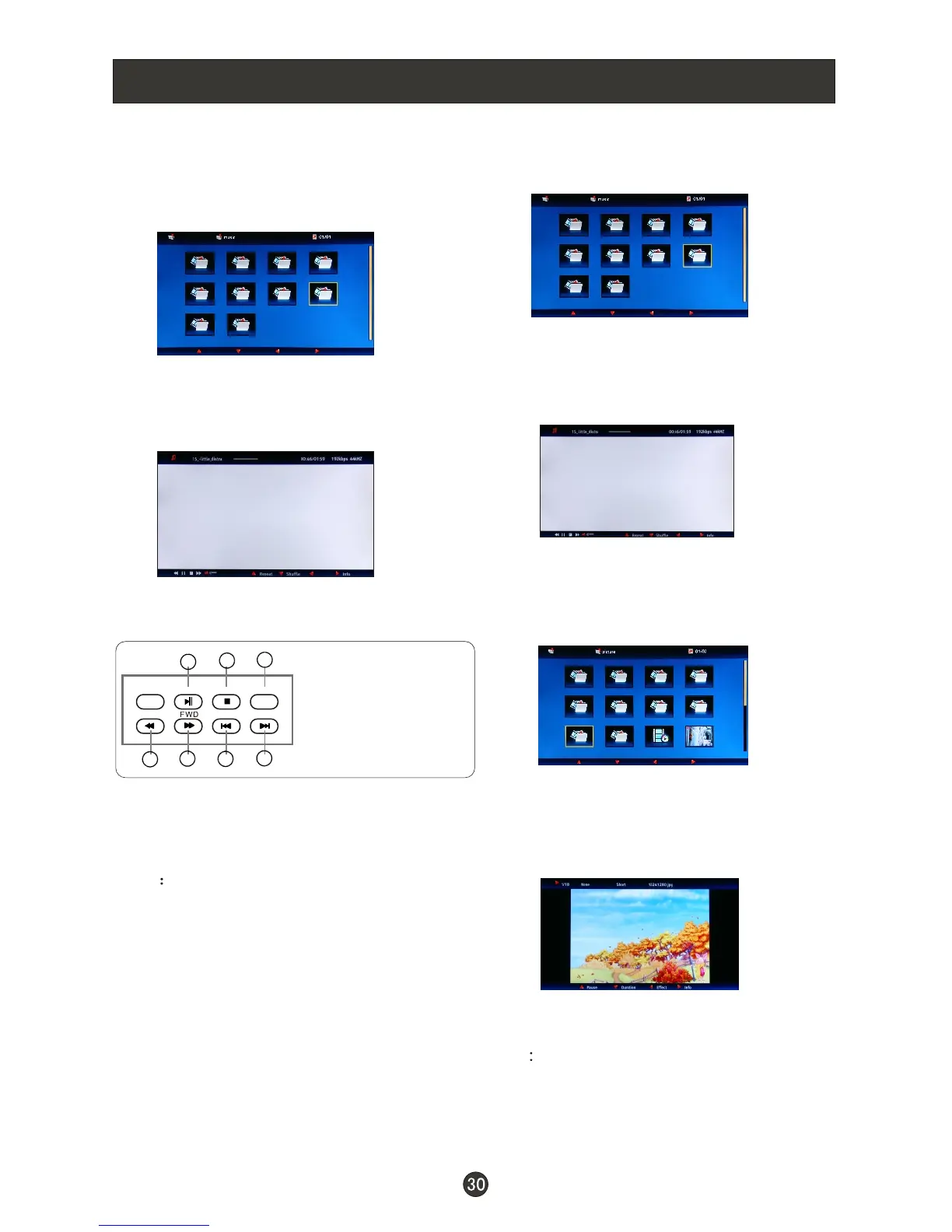
1.Press VOL- VOL+ button to select
Music folder. Press ENTER to enter.
2.Press CH+ /VOL- VOL+ button to
select desired music, and then press
ENTER button to enter the play
interface.
3.Press the button on the remote control
to select the adjusted item, press
ENTER button to confirm.
4.Press EXIT button to return to the
previous menu.
Press USB button to exit the USB
mode.
/
//CH-
PLAY/PAUSE
REV
STOP
PREV
REPEAT
NEXT
1
2
3
4
5
6
7
To play music
Note You may play the music among
selected.
Note Do not remove USB device from
the TV until you have exited the
USB mode otherwise you may
damage the USB device.
To play pictures and music
together
Insert USB drive with music and picture
files in to the USB input , select the
Music folder and choose the MP3 files
to be played. Then select the pictures
to be played. Please note as some files
must be read while music is being
played, the speed of picture operation
response might be affected.
1.Press VOL-/VOL+ button to select
Music folder. Press ENTER to enter.
2.Press CH+/CH-/VOL-/VOL+ button to
select desired music, and then press
ENTER button to enter the play
interface.
3.Press EXIT button to turn to the main
menu. And then press VOL-/VOL+
button to select Picture option.
Press ENTER to enter.
4.Press CH+ /VOL- VOL+ button to
select desired picture, and then press
ENTER button to enter the play
interface.
5.Press USB button to exit USB mode.
/CH- /
1.Play or pause;
2.Stop;
3.Repeat
4.Fast reverse;
5.Fast forward;
6.Play previous music;
7.Play next music.



 To Next Page