Menu Operations
Function Menu Options Continued
Time Setup
Time Zone Central
Date/Time
Sleep Timer Off
Select
Back
EXIT
Video
Audio
Channel
Lock
Function
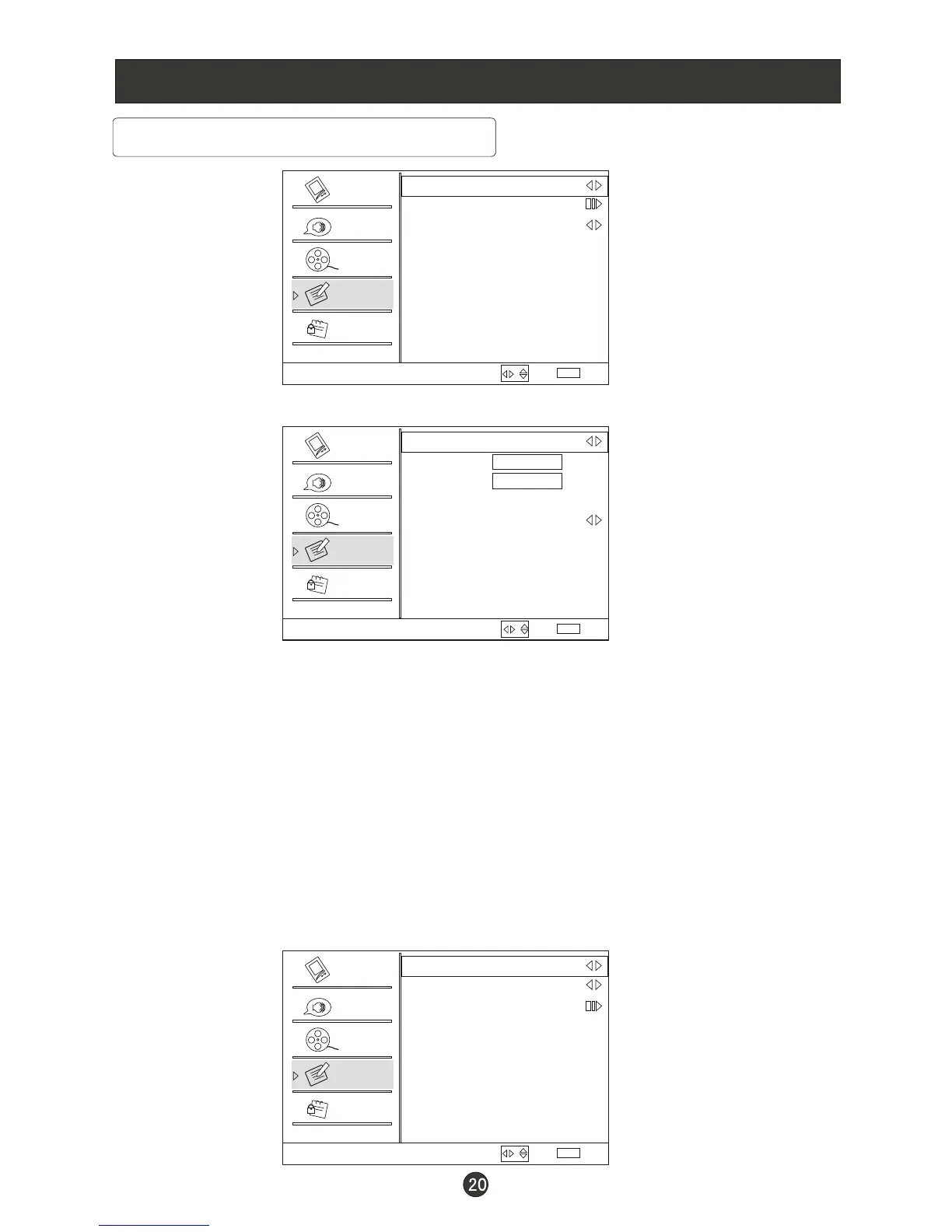
Date/Time VOL+ ENTER: Press / to enter the submenu.
Date/Time
Auto On
Date 2009/01/01
Time 11:54 AM
Timer Off
On Time 11:54 AM
Off Time 12:00 AM
Select
Back
EXIT
Video
Audio
Channel
Lock
Function
Auto: Press to select On or Off . When Auto mode on , the time can
not be adjusted. Select Off , you can operate to set the time manually.
Date: Press to select the position and digits button to set the date.
Time: Press to select the position and digits button to set the time.
Timer: Press to select On or Off. To select Off, the time can not be
adjusted.
On Time/Off Time: Press to select the position and digits button to
set the time.
Closed Caption: Press / to enter the submenu.
VOL- VOL+
VOL- VOL+
VOL- VOL+
VOL- VOL+
VOL- VOL+
VOL+ ENTER
/
/
/
/
/
Press ENTER to switch on AM and PM.
Closed Caption
NTSC Caption Off
DTV Caption Off
DTV Caption Style
Select
Back
EXIT
Video
Audio
Channel
Lock
Function
/
/
/



 To Next Page