EasyManua.ls Logo

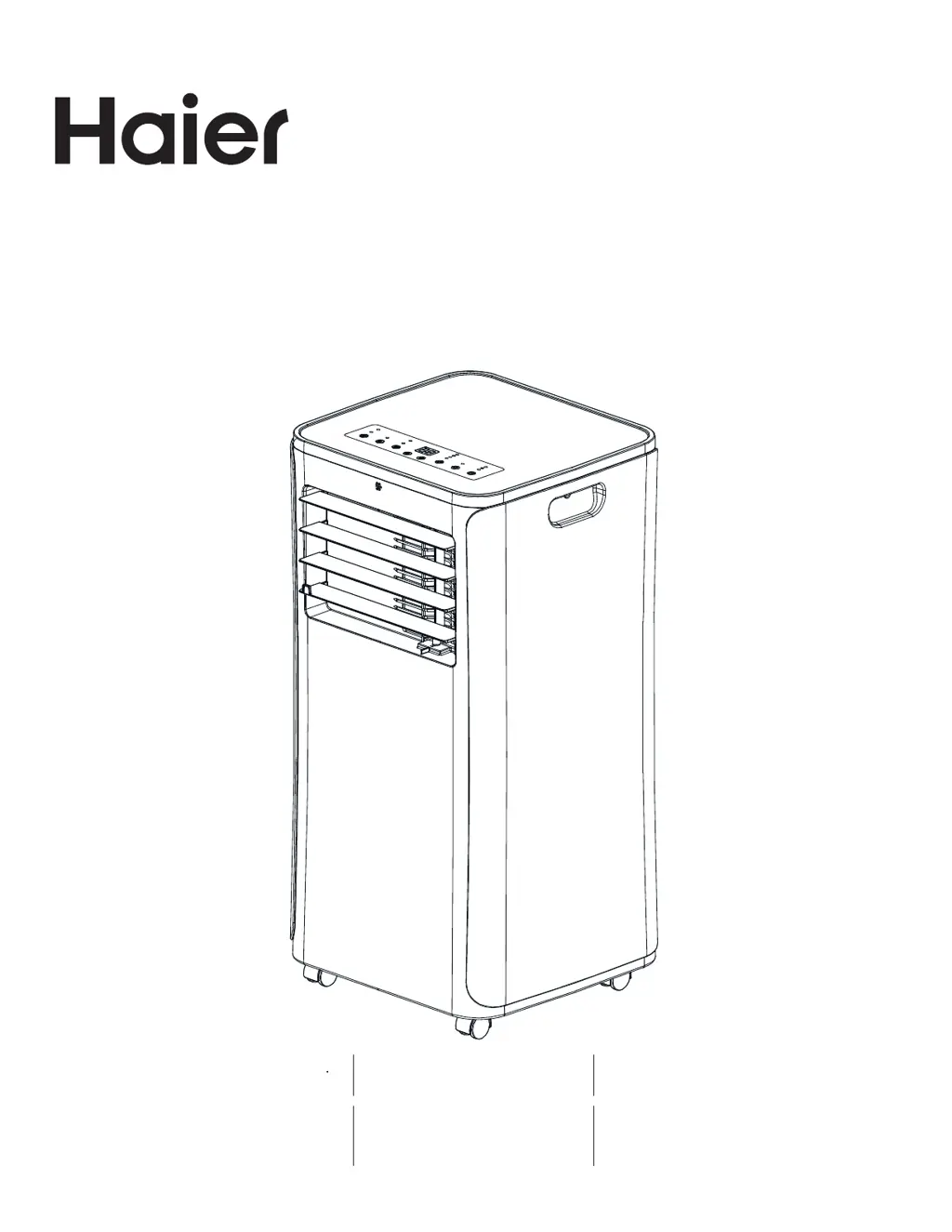
Haier QPCA08 - User Manual

Haier QPCA08
32 pages
Print Icon
To Next Page IconTo Next Page
Loading...
49-5000543 Rev. 1 01-21 GEA
Installation and User Manual
Instrucciones de instalación y
Manual del usuario
QPCA08
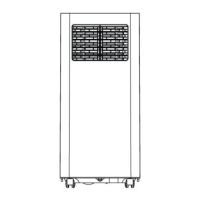
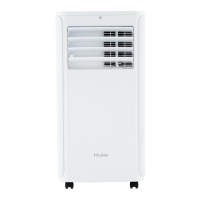
Portable Room Air Conditioner
Accondicionadores de Aire Para Sala
Design may vary by model number.
Some models may have an additional
letter after the model number.
El diseño puede variar según el número
de modelo
Algunos modelos pueden tener una
letra adicional después del número de
modelo.

Questions and Answers

  • T
    tiffany39Aug 14, 2025
    What to do if my Haier Air Conditioner does not start?
    • T
      Todd SmithAug 14, 2025
      If your Haier Air Conditioner isn't starting, here are a few things to check: * Ensure the power cord is properly plugged into a grounded outlet. * If the power supply cord has tripped, press the RESET button. * Make sure you've pressed the Power button on either the control panel or the remote. * Test the outlet with a working lamp to confirm it's providing power. * Check for blown fuses or tripped circuit breakers and replace or reset them. * If a Time Delay is programmed, cancel it. * Replace dead batteries in the remote control. * If the internal water tank is full, empty it.
  • E
    Emily ChanAug 17, 2025
    Why is my Haier Air Conditioner remote control not working?
    • A
      Alexander SmithAug 17, 2025
      If your Haier Air Conditioner remote isn't working, the batteries might be dead, so replace them. Also, ensure that the batteries are inserted correctly, paying attention to the correct position.
  • P
    Patricia SimsAug 21, 2025
    What to do if my Haier QPCA08 is working but not cooling the room?
    • S
      Stephanie Thompson MDAug 21, 2025
      If your Haier Air Conditioner is running but the room isn't cooling, consider these possibilities: * Give the unit time to cool the room, especially if the room temperature is high initially. Ensure the BTU rating is adequate for the room size. * Check that the Mode is set to Cool and the Fan Speed to High. * Remove any obstructions to airflow and ensure airflow is directed for uniform cooling. * Lower the set temperature. * Clean or replace dirty air filters. * Verify the exhaust hose and window panel are correctly installed. * Close doors and windows to prevent cooled air from escaping.
  • C
    Claudia FitzpatrickAug 25, 2025
    What to do if my Haier QPCA08 unit does not start or operate?
    • J
      joshuarosalesAug 26, 2025
      If your Haier Air Conditioner doesn't start, first ensure the power cord is properly plugged into a grounded outlet. Check if the power supply cord has tripped and, if so, press the RESET button. Make sure you've pressed the Power button on either the control panel or the remote. Verify the outlet has power by plugging in a working lamp. Also, check for blown fuses or tripped circuit breakers and replace or reset them as needed. If a time delay is programmed, cancel it. Replace dead batteries in the remote, and finally, empty the internal water tank if it's full.
  • J
    jonathan66Aug 29, 2025
    Why is my Haier QPCA08 working but the room is not cooling?
    • J
      John NelsonAug 29, 2025
      If your Haier Air Conditioner is running but not cooling the room, allow time for the room to cool initially and ensure the BTU rating is adequate for the room size. Set the mode to Cool and the fan speed to High. Remove any obstructions to airflow and adjust airflow for even cooling. Lower the set temperature. If the air filters are dirty, clean them. Ensure the exhaust hose and window panel are correctly installed. Finally, close all doors and windows in the room to prevent cool air from escaping.
  • M
    Mariah TaylorSep 1, 2025
    How to reset the power supply cord on a Haier QPCA08 Air Conditioner?
    • R
      Ricky ParkerSep 2, 2025
      To reset the power supply cord on your Haier Air Conditioner, press and release the RESET button located on the power supply cord.
  • M
    Morgan OwensSep 5, 2025
    How to fix a Haier QPCA08 Air Conditioner remote control that is not working?
    • J
      Joshua SotoSep 5, 2025
      If the remote control for your Haier Air Conditioner isn't working, the first step is to replace the batteries. If that doesn't solve the issue, double-check that the batteries are inserted correctly, paying close attention to the polarity.
  • C
    colemanelizabethSep 9, 2025
    Why won't my Haier QPCA08 turn on even after pressing the power button?
    • J
      Jeffrey GibsonSep 9, 2025
      If your Haier Air Conditioner doesn't turn on after pressing the power button, the power supply cord might not be plugged into an outlet, so plug the power cord into a grounded 3 prong outlet. Also, there might be no power to the electrical outlet, so plug a working lamp into the outlet to check for power.

Summary

Record Keeping

Safety Information

General Safety Warnings

Follow safety instructions to minimize risks of fire, electric shock, or personal injury.

Controls

Power Button Operation

Turns the air conditioner ON/OFF. Does not disconnect from power supply.

Mode Selection

Toggles between Cool, Dry, and Fan modes. Indicator lights show selected mode.

Temperature and Timer Adjustment

Adjusts temperature in Cooling mode or time for timer.

Fan Speed Adjustment

Adjusts fan speed from Low to High in Cool or Fan modes.

Timer Function

Programs ON/OFF timer from 1 to 24 hours.

Sleep Mode Activation

Activates Sleep Mode for comfort. Not available in Dry or Fan modes.

Water Full Indicator and Shutdown

Alerts when the water tank is full, causing the unit to shut down.

Drainage Instructions

Manual Drainage Procedure

Steps for draining water manually from the unit using a container.

Continuous Drainage Setup

Optional setup for continuous drainage using a hose, typically in dry mode.

Remote Control Operation

Remote Power Button

Turns the air conditioner ON/OFF using the remote.

Remote Mode Button

Selects operating modes (Cooling, Fan, Dry) via remote.

Remote Adjustment Buttons

Adjusts temperature or timer settings from the remote.

Remote Fan Speed Button

Adjusts fan speed using the remote control.

Remote Timer Button

Activates and adjusts the ON/OFF timer via remote.

Remote Sleep Button

Activates Sleep Mode using the remote control.

Care and Cleaning

General Cleaning Instructions

Steps for cleaning the unit exterior, including warnings and precautions.

Air Filter Maintenance

Instructions for cleaning or replacing air filters for optimal performance.

Storage Instructions

Guidelines for storing the air conditioner when not in use for extended periods.

Installation Instructions

Before You Begin Installation

Read instructions, save them, check skill level, and gather tools.

Electrical Requirements

Details on required voltage, current, and outlet type for safe installation.

Location Requirements

Guidelines for placing the unit for proper airflow and operation.

Parts Included

Lists and illustrates all components included with the air conditioner for installation.

Tools Required for Installation

Lists necessary tools for performing the installation procedure.

Window Panel Combinations

Illustrates how to combine window panels and extensions for different window sizes.

Unpacking the Air Conditioner

Safety precautions and steps for safely unpacking the unit.

Install Exhaust Nozzle to Window Panel

Connects the exhaust nozzle to the main window panel assembly.

Install Main Window Panel and Extensions

Guides on fitting the window panel assembly into the window opening.

Install Window Panels and Extensions (cont.)

Further steps for securing window panels, including vinyl window specific instructions.

Attach Exhaust Hose to Nozzle

Connects the exhaust hose to the exhaust nozzle on the window panel.

Connect Exhaust Hose to Air Conditioner

Attaches the exhaust hose to the air conditioner unit's exhaust outlet.

Troubleshooting Tips

Unit Does Not Start or Operate

Troubleshooting steps for when the unit fails to power on or function.

Remote Control Not Working

Solutions for issues related to the remote control's functionality.

Room Not Cooling Properly

Diagnosing why the air conditioner is not cooling the room effectively.

Limited Warranty

What is Covered Under Warranty

Details on parts and labor covered during the one-year limited warranty period.

What is Not Covered Under Warranty

Exclusions from warranty coverage, including misuse, installation, and incidental damages.

Exclusion of Implied Warranties

Legal statement regarding the limitation of implied warranties.

Haier QPCA08 Specifications

General IconGeneral
BrandHaier
ModelQPCA08
CategoryAir Conditioner
LanguageEnglish

Related product manuals