- 40 -
2.4. Sort
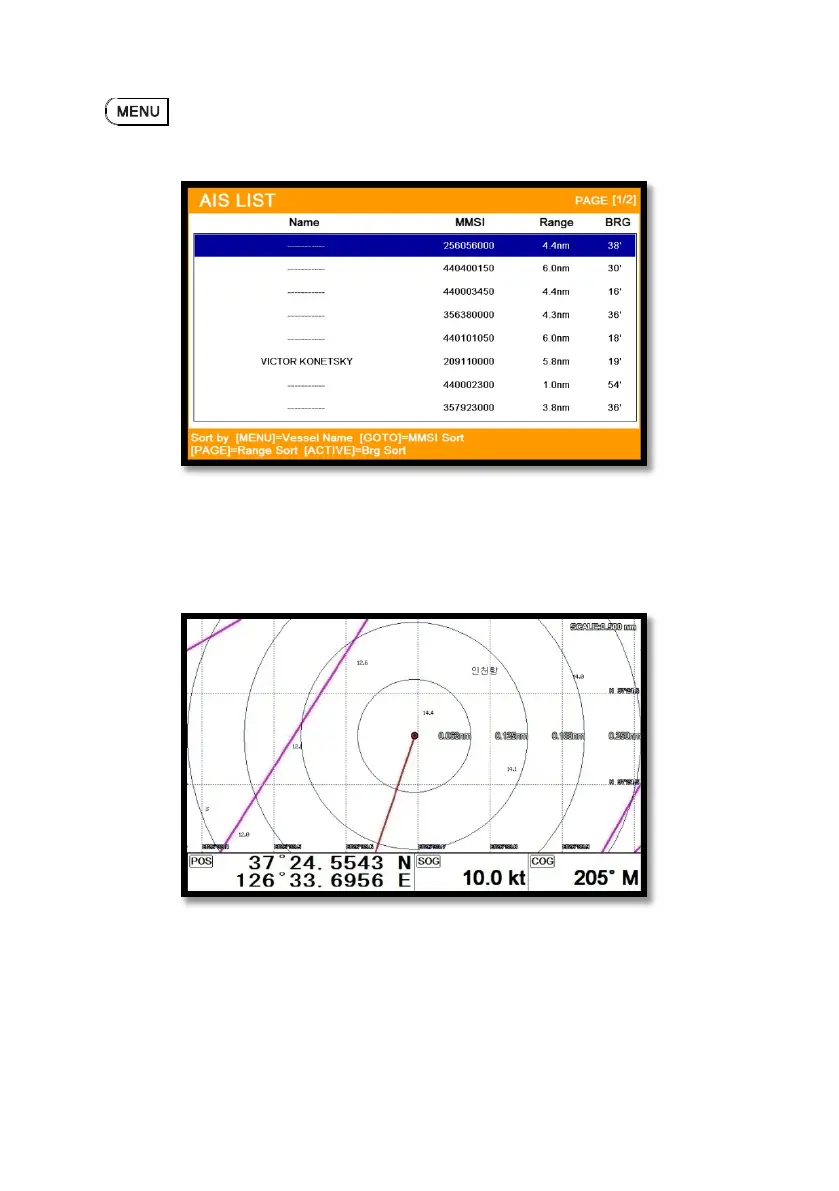
Press to choose how to sort on (Fig.2.4).
3. Display radius
Displays range rings centered on your current position.
(☞ The default setting is OFF.)
4. Display vessels by Color
Different types of AIS transmissions can be selected to display different colors of icons on the chart
display.
5. Display vessels by Type



 To Next Page