- 9 -
Getting Started
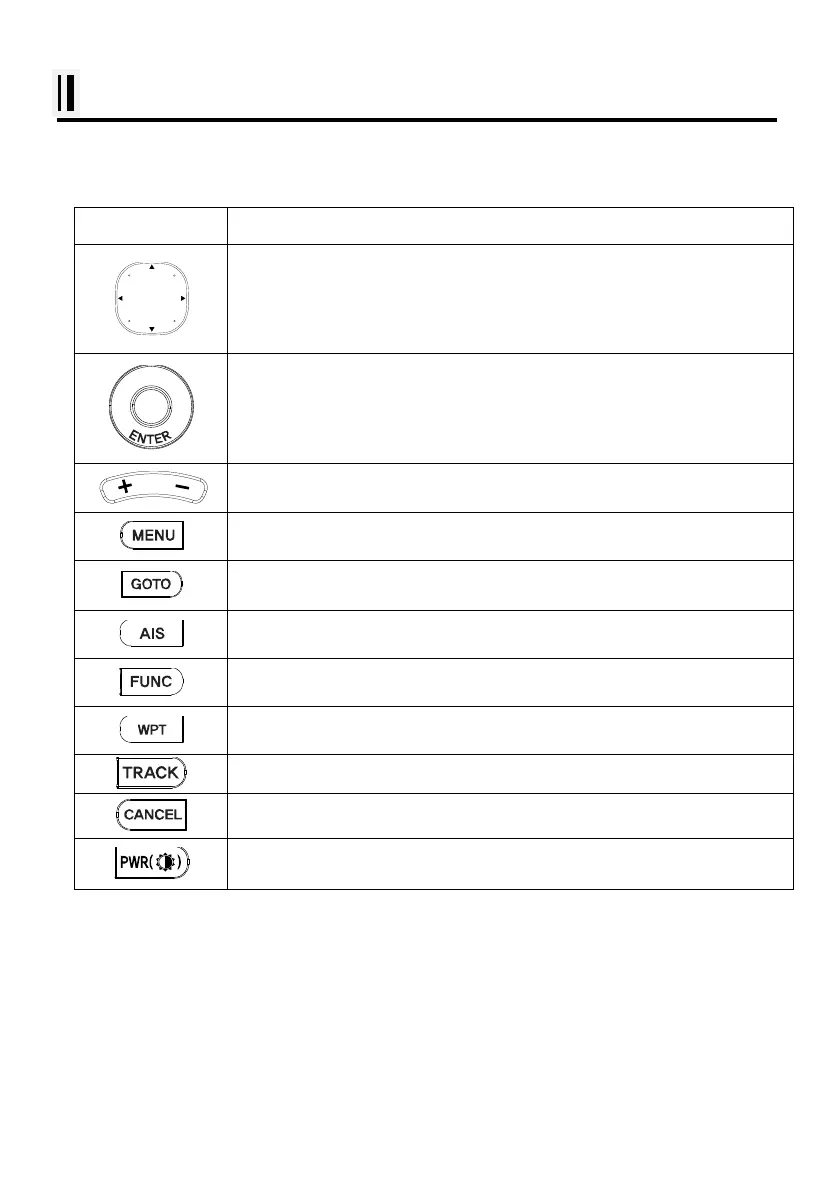
1. The Keyboard
KEY Description
use this to select menu items, move the on-screen cursor
Rotary: use this to select menu items.
Button: push the end of the everything to confirm a selection or entry.
Change the chart of scale.
Open the menu.
Select the Goto function
Selects AIS menus.
Setting up Using Frequently key function.
Press to place a waypoint and access the waypoint option.
Start and stop AIS tracks & Vessel tracks .
Cancel the setting or exists from the menu
Power “on/off”, brightness and day/night mode.



 To Next Page