- 52 -
2.10. Editing
▶[MENU]->Userdata->WPT->List
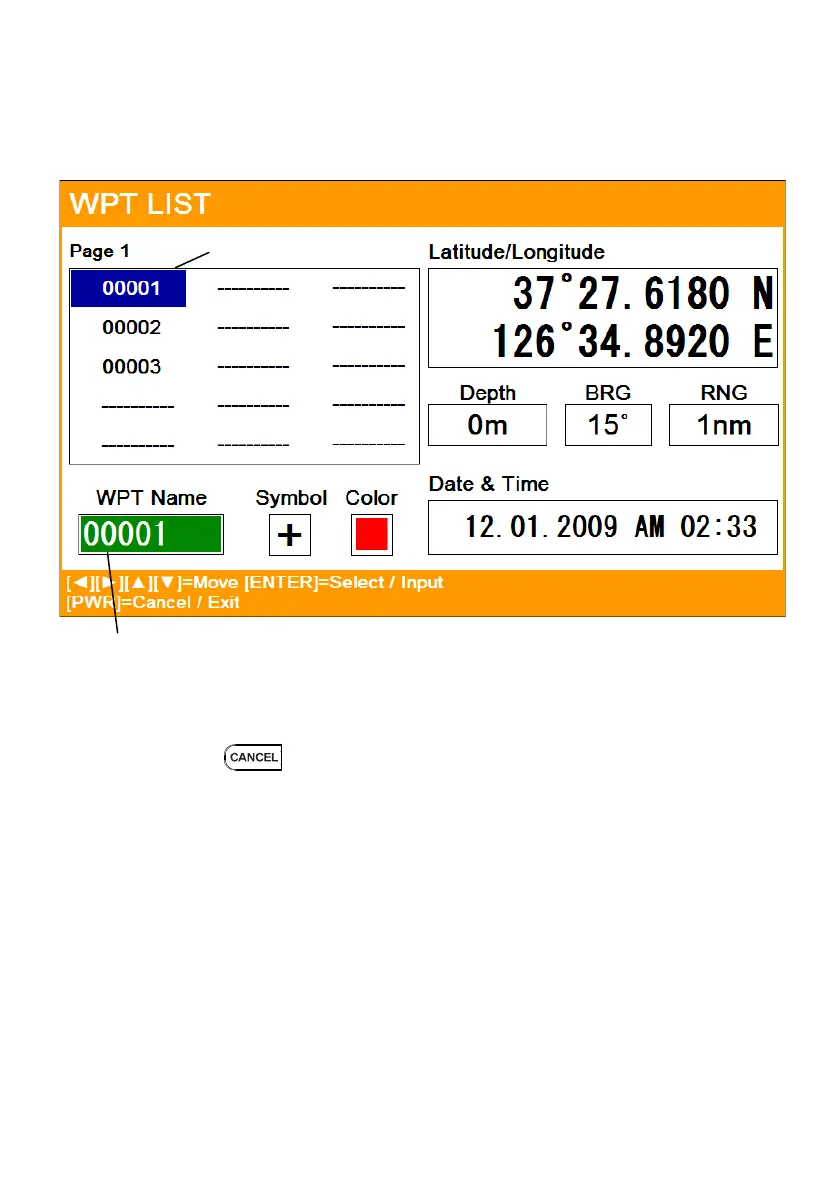
Editing the WPT on the list.
1. Choose the WPT as the blue and press [ENTER].
2. Choose the item as the green and you may begin to edit.
3. After finishing, press to exit.
Edit Selected(green color)
WPT Selected(Blue color)



 To Next Page