- 58 -
4.2.4. Setting the distance interval
▶[MENU]->Userdata->Track->Track Setup->DIST Interval
Setting the distance interval.
4.3. Setting the thickness
▶[MENU]->Userdata->Track->Track Setup->Thickness
Setting the track thickness.
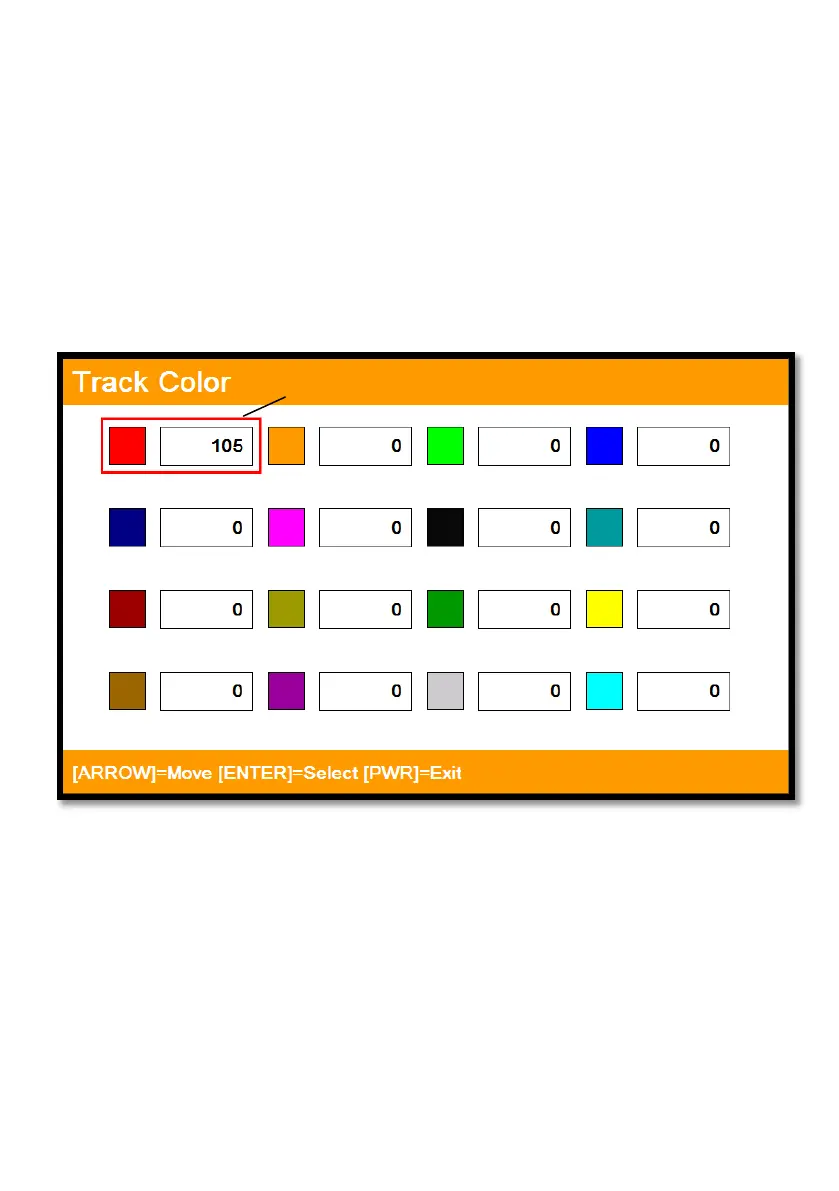
4.4. Track Color
▶[MENU]->Track Color
Choose the color and press [ENTER].
(* The number next the color shows the number point of the track color)
4.5. Track type
4.5.1. Type1
▶[MENU]->Userdata->Track->Track Setup->Type1
4.5.1.1. Erasing
▶[MENU]->Userdata->Track->Erase
Selected(red color)



 To Next Page