23
● Vacuum Check
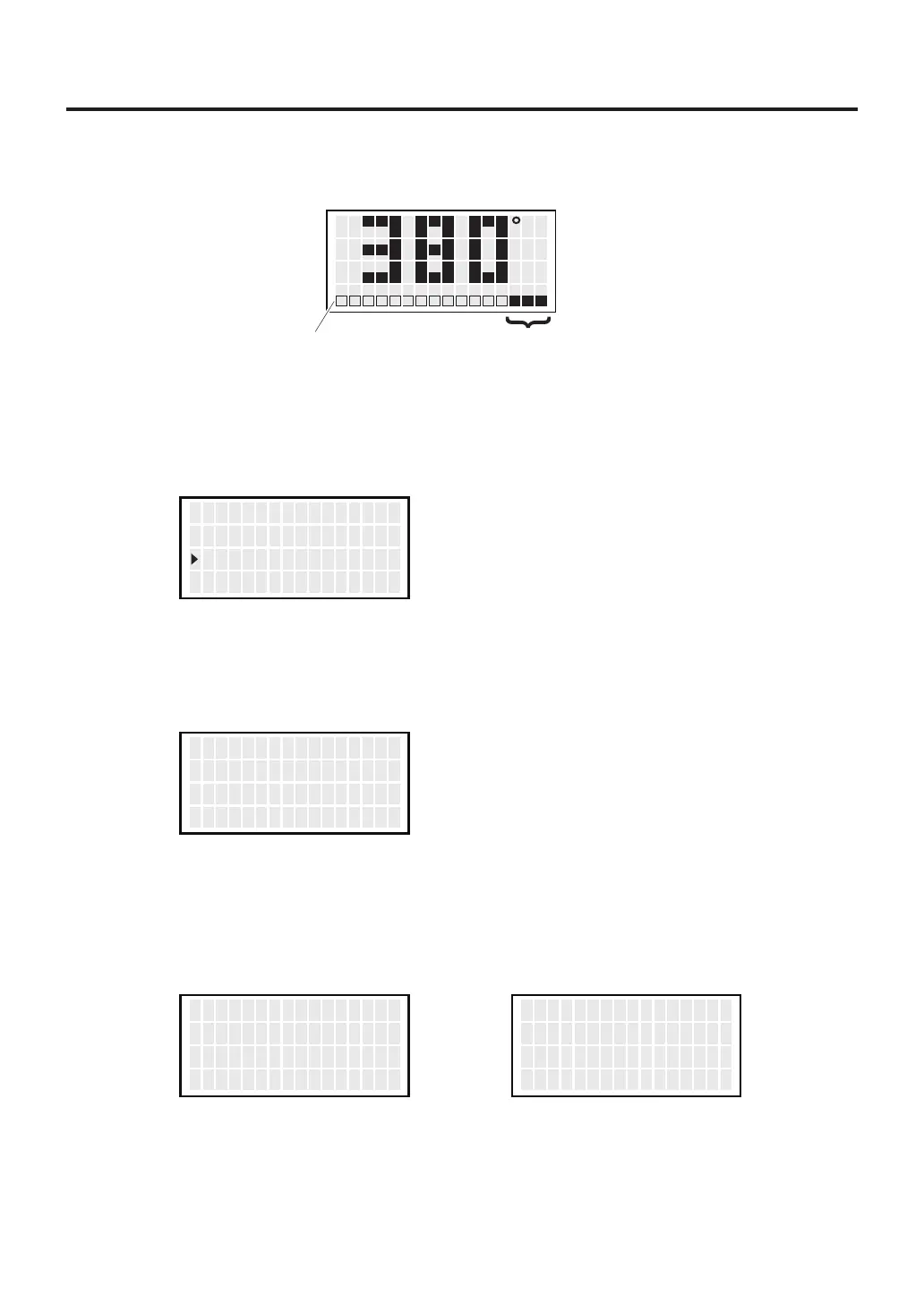
During suction, the gauge indicating sucking status is shown at the lower side
of the screen.
When “CHK” appears and you notice that the sucking force is weakening,
perform “Vacuum Check.”
1.
Move the cursor to select “Vacuum Check”. After selecting, press <ENT>.
2.
Pull the trigger.
3. When “Clogging” appears, perform cleaning and replace filters.
C
Suction gauge Sign of clogging
CHK
<↑> <↓> <ENT>
S e t T emp
O f f s e t T emp
V acuum Check
380゚ C
00゚ C
<EXIT>
V acuum Check
P u ll T r i gge r
<EXIT>
V acuum Check
P u ll T r i gge r
O K
<EXIT>
V acuum Check
P u ll T r i gge r
Clo g gin g
No degradation in sucking force Degradation in sucking force



 To Next Page