30
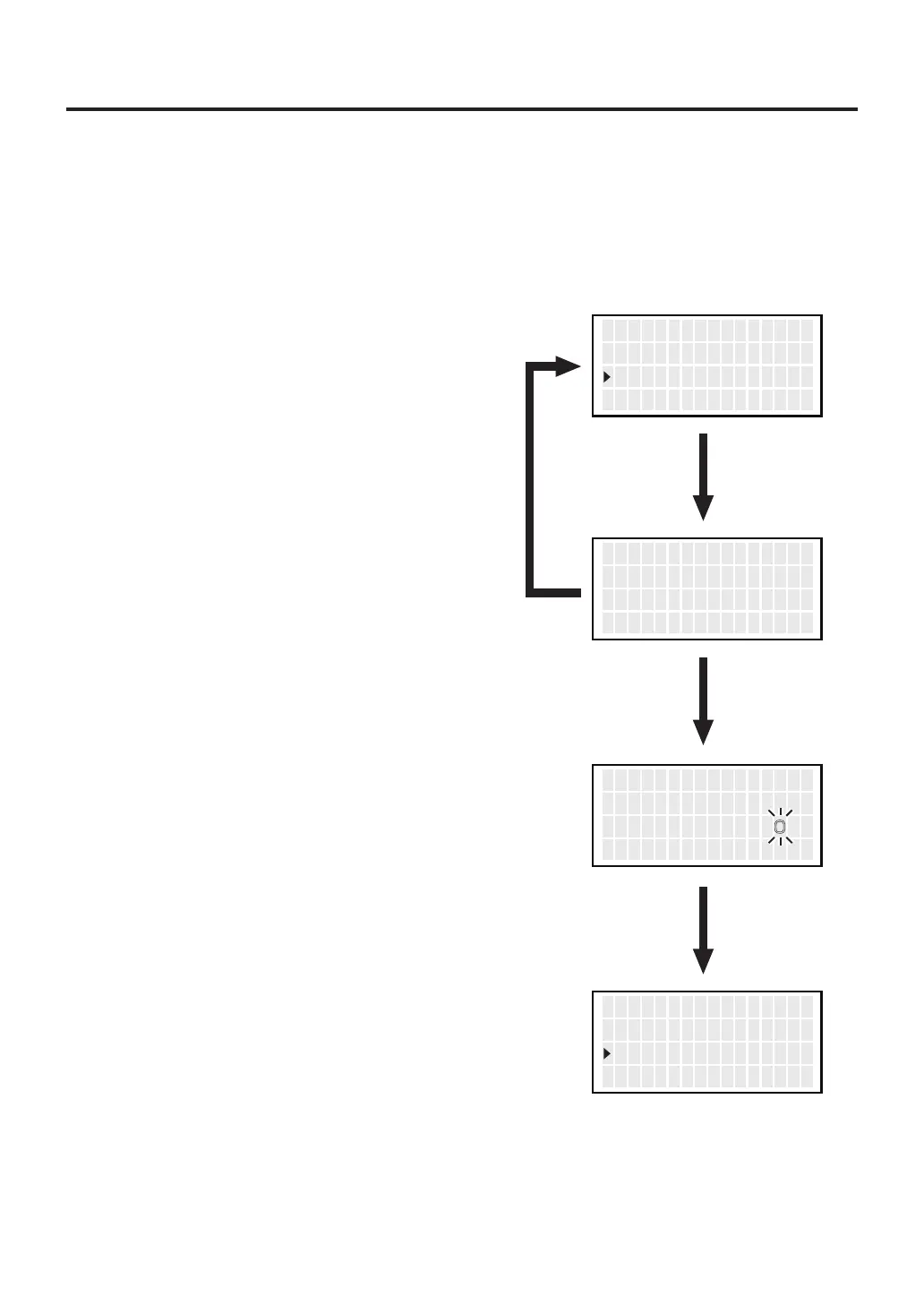
● Auto Sleep
1.
Move the cursor to select “
Auto Sleep
”.
After selecting, press <ENT>.
Select whether you will activate the auto sleep function. When the auto sleep function
is set to on and no operation is performed for constant time after the iron is set in the
iron holder, the auto sleep function will be enabled.
*
Set temp in “Sleep temp”
.
2. ON and OFF will be switched alternately
if you press the <↑> or <↓> button.
3. Selecting “ON” allows you to make the
setting for “Timer.”
(Default is 6 minutes.)
* When selecting “ON”
4. When setting “Auto Sleep” to “ON,”
the area for Timer flashes.
5. Press the <↑> or <↓> button, you can
change to the desired value.
6. Pressing the <ENT> button after this change
makes the set time stored in the internal
memory.
<↑> <↓> <ENT>
S h u t O f f S e t
V acuu mM o d e
A uto S l e ep
OFF
NOR
OFF
<↑> <↓> <ENT>
A uto S l e ep S e t
A uto S l e ep OFF
T i me r 06m
<↑> <↓> <ENT>
A uto S l e ep S e t
A uto S l e ep ON
T i me r
6m
Select
“OFF”
Select
“ON”
<↑> <↓> <ENT>
S h u t O f f S e t
V acuu mM o d e
A uto S l e ep
OFF
NOR
06m



 To Next Page