34
● Initial Reset
After completing settings, if you press the “ENT” button again in the selection
screen, you will return to the normal display.
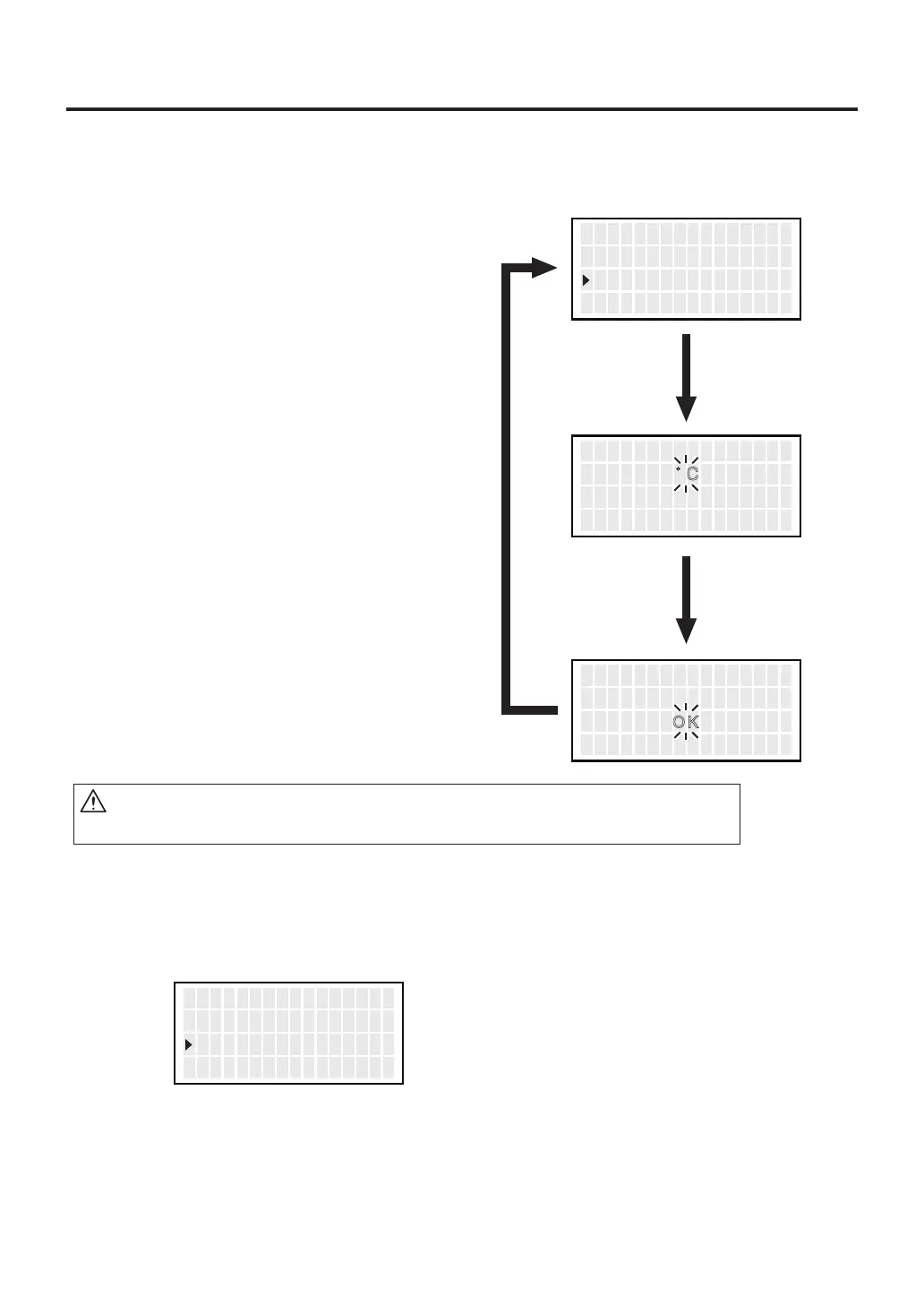
Initial Reset allows the factory default settings to be restored.
1.
Move the cursor to select “
Initial Reset
”.
After selecting, press <ENT>.
2. Using the <↑> or <↓> button, select
either C or F. To stop Initial Reset, scroll
the screen to select <Exit>.
3. After selecting it, using the <↑> or <↓>
button, select OK or Cancel.
CAUTION
Even when Initial Reset is finished, “Pass. Lock” and password settings remain.
<↑> <↓> <ENT>
Read y A l arm
P ass . Lock
Ini t i a l R e s e t
OFF
OFF
<↑> <↓> <ENT>
Ini t i a l R e s e t
゚ F
<↑> <↓> <ENT>
Ini t i a l R e s e t
゚ C
<↑> <↓> <ENT>
P ass . Lock
Ini t i a l R e s e t
<EXIT>
OFF



 To Next Page