33
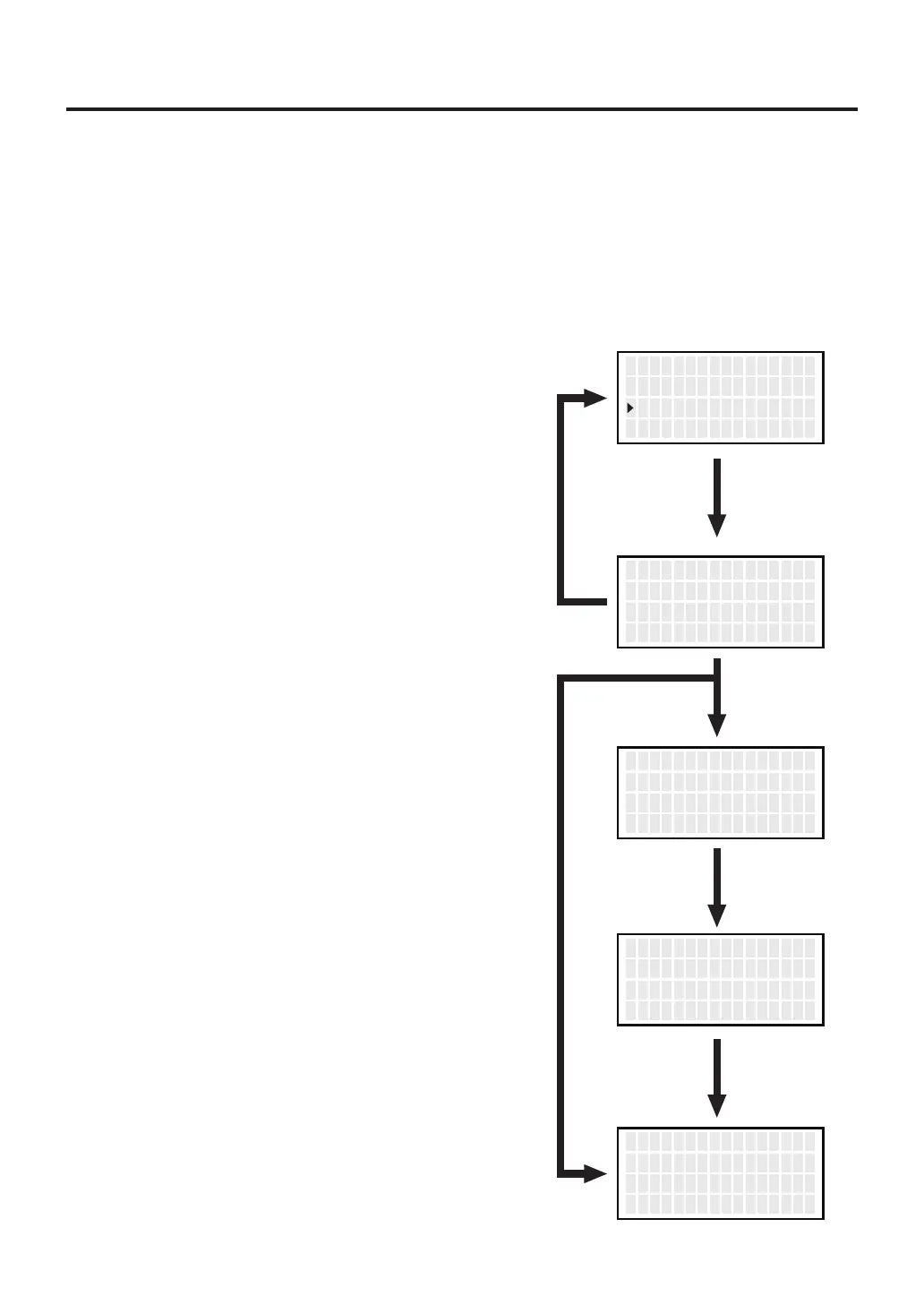
● Pass. Lock
When enabling this function, you must enter a correct password to change a setting.
The options are as follows:
Lock
Partial
Unlock
1.
Move the cursor to select “
Pass. Lock
”.
After selecting, press <ENT>.
2. Using the <↑> or <↓> button, select an
option from Lock, Partial, and Unlock.
5. Using the <↑> or <↓> button, enter a
password. (Selection of three characters
from ABCDEF)
* When selecting Partial or Lock:
3. Specify whether password lock should be
enabled when changing set temperature,
preset selection, and offset temperature by
selecting ON or OFF. (Only when selecting
Partial)
4. After making all selections, press the <ENT>
button. (Only when selecting Partial)
6. Return to parameter setting display
if you press the <ENT> button after
setting.
: All setting changes require a password entry.
:
Selection of whether or not to enter a password when changing set temperature, preset
selection, and offset temperature. All other setting changes require a password entry.
:
Any setting change does not require a password entry.
<↑> <↓> <ENT>
E r r o r A l arm
Read y A l arm
P ass . Lock
OFF
OFF
OFF
<↑> <↓> <ENT>
P assw o r d Lock S e t
U n Lock
Select
“Unlock”
Select
“Lock”
Select
“Partial”
<↑> <↓> <ENT>
S e t T emp
P r ese t S e l
O f f s e t T emp
ON
ON
ON
<↑> <↓> <ENT>
P r ese t S e l
O f f s e t T emp
O K
ON
ON
<↑> <↓> <ENT>
P assw o r d S e t
***
O K



 To Next Page