ADMINISTRATOR MANUAL
06
PAGE
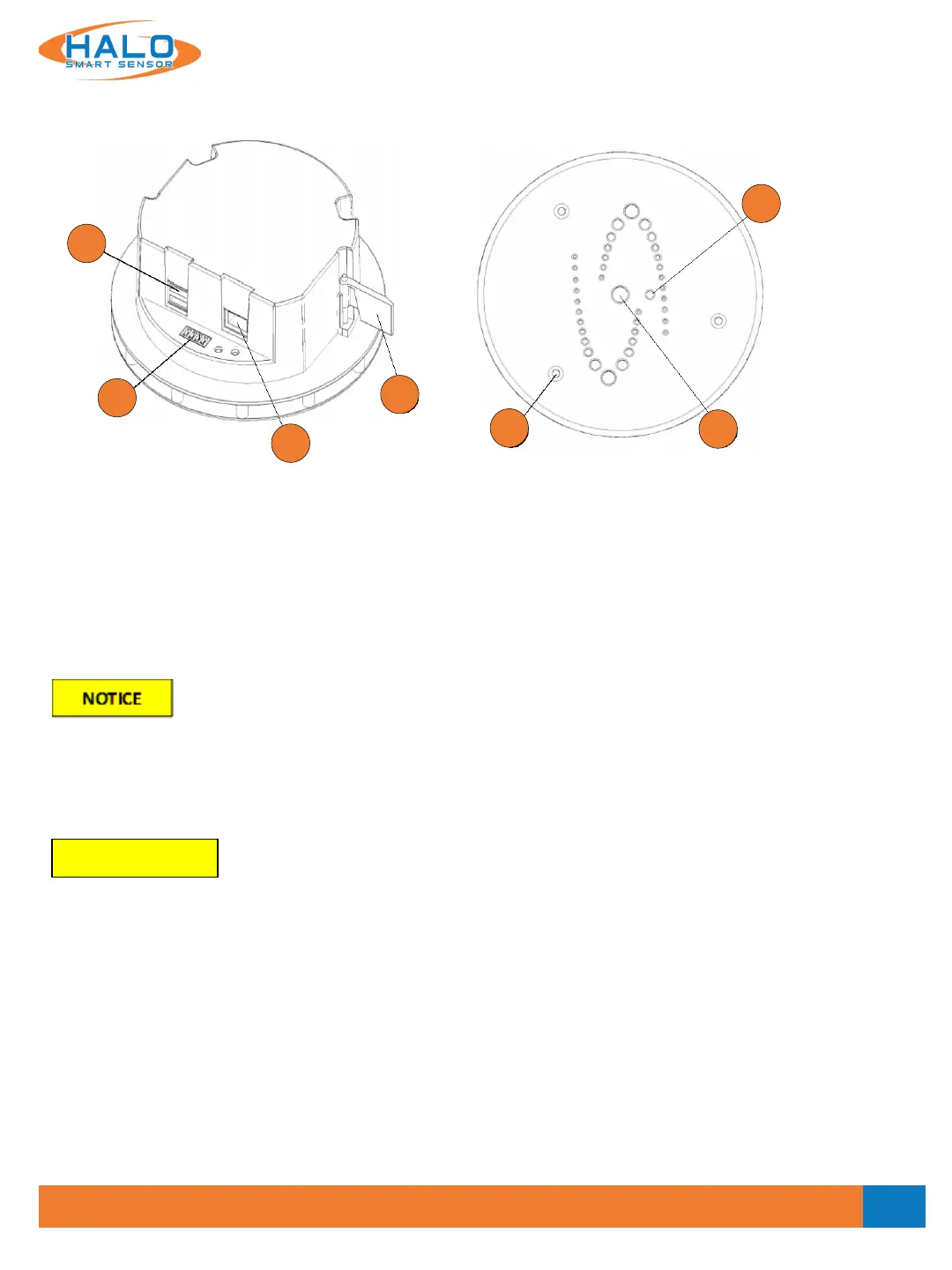
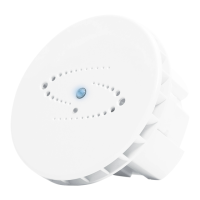
Hardware Overview
1. Network Connection (RJ-45) – requires 802.3af Power over Ethernet
2. Relay Connection (Plug supplied)
3. USB Ports – currently unused
4. Locking Wing – see installation guide
5. Cover Securing Screws (3) – T10 Torx driver required
6. Multi-color LED Indicator
7. Light Sensor
The product shall be connected using a shielded network cable (STP). All cables connecting the product to the
network shall be intended for their specific use. Make sure that the network devices are installed in
accordance with the manufacturer’s instructions. For information about regulatory requirements, see
Electromagnetic Compatibility (EMC) on page 3.
Le produit doit être connecté à l'aide d'un câble réseau blindé (STP). Tous les câbles reliant le produit au
réseau doivent être destinés à leur utilisation spécifique. Assurez-vous que les périphériques réseau sont
installés conformément aux instructions du fabricant. Pour plus d'informations sur les exigences
réglementaires, voir Compatibilité électromagnétique (CEM) à la page 3.
Outer Cover Removed
The outer cover must be removed (by removing the three T10 TORX screws [5] with the provided wrench)
during installation and to perform a manual factory reset. The figure below shows details exposed when the
Outer Cover is removed.
REMARQUER
3
2
1
4
5
6
7
V2.2 - 9/09/2020


 To Next Page