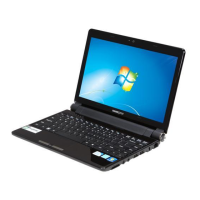
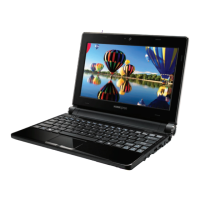
Need help?
Do you have a question about the HANNspree HannsNote 2 and is the answer not in the manual?
Lists items included in the product package.
Describes the front components of the device.
Describes the back components and buttons of the device.
Instructions on how to charge and maintain the device battery.
Guides users on how to connect the device to a Wi-Fi network.
Instructions for transferring data between a PC and the device.
Explains the main touch screen area and its elements.
Details how to change the device's wallpaper.
Instructions on adding, moving, and removing app shortcuts.
Guides on how to group applications into folders.
Introduces the note-taking app's main screen and functions.
Explains the tools and tips for using the note-taking app.
Details methods for organizing notes via files or tags.
Instructions for importing and editing PDF files.
How to add new schedules to the device's calendar.
Manages device name, language, software updates, and app settings.
 General
| Display Resolution | 1366 x 768 pixels |
|---|---|
| Operating System | Windows 10 Home |
| Battery Life | Up to 6 hours |
| Battery | Li-Ion |
| Ports | 1 x headphone/microphone combo jack |


 To Next Page