21
English
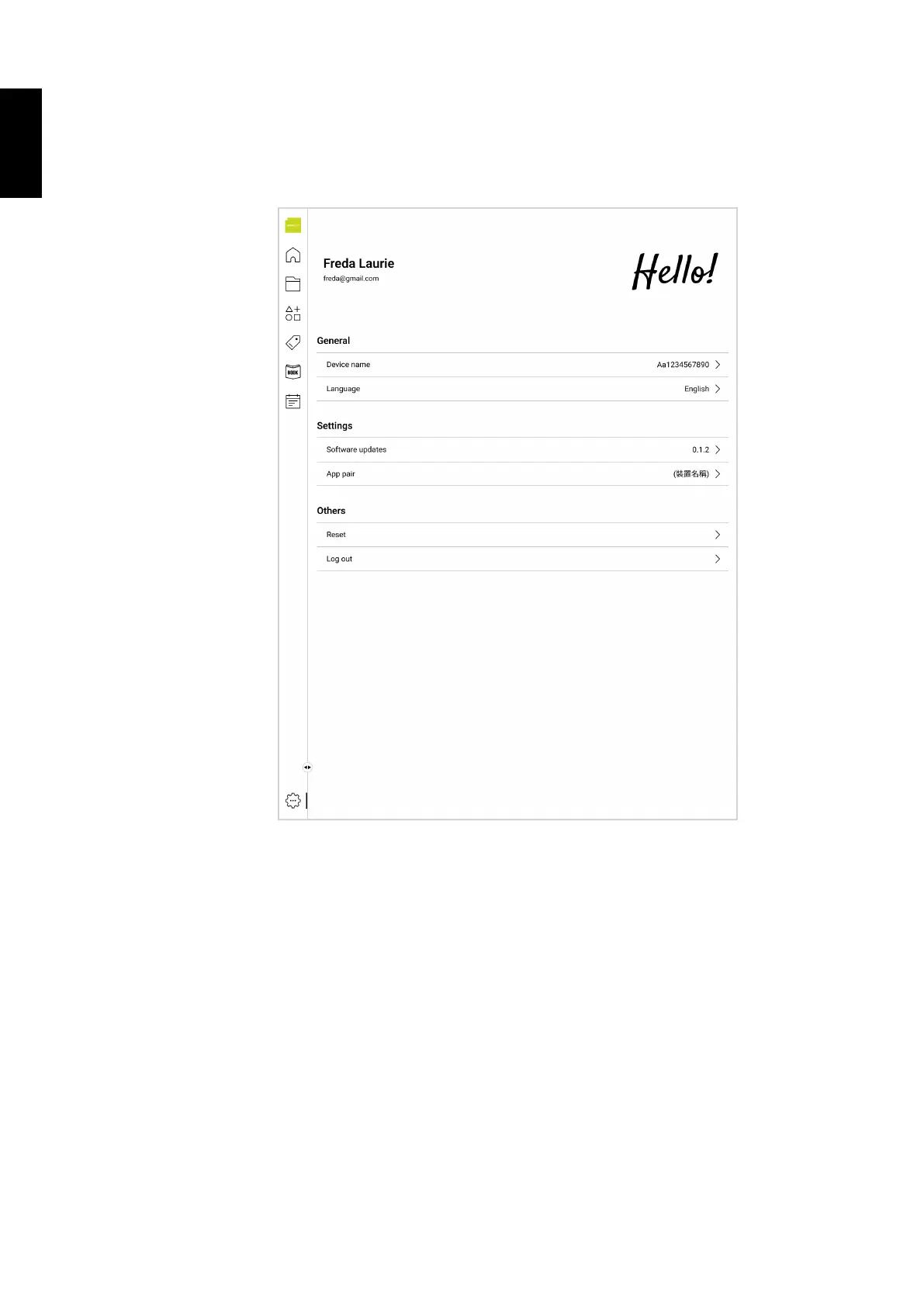
4.6 Setting
Tap the Settings icon in the navigation menu to manage your device name, change the language,
check the software version and pair devices, reset the app, or log out.
5. System Firmware Update
Android devices automatically receive over-the-air (OTA) updates. To manually check for a firmware
update, select Settings > System > System update >Check for update.



 To Next Page