25Cabling and Configuration Preliminary Configuration of the NSG
Preliminary Configuration of the NSG
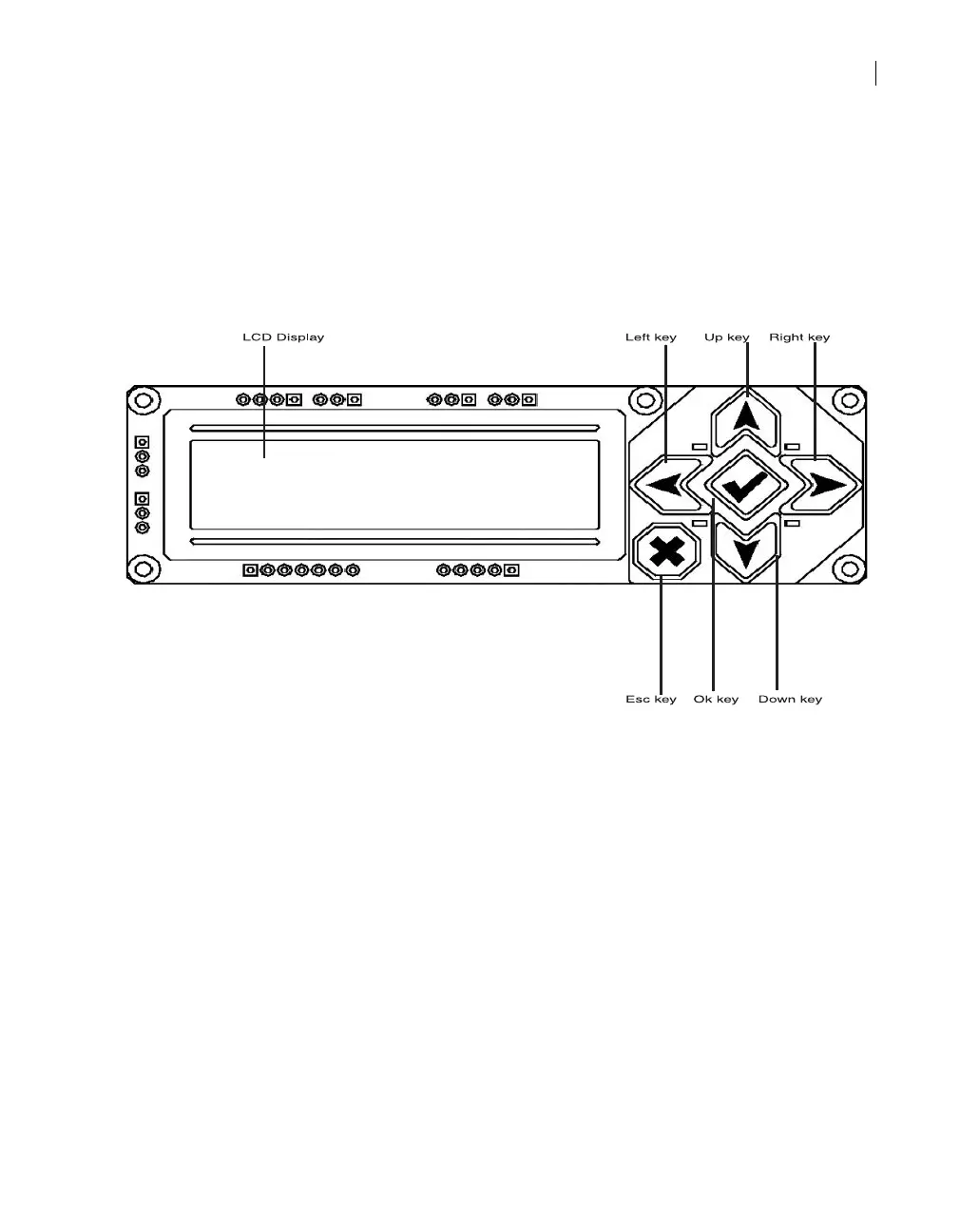
You can set preliminary configuration and control the NSG unit via its
front panel. The front panel includes a control panel comprised of a
Liquid Crystal Display (LCD) and six buttons as the following figure shows:
Control Panel Display
The 2-line, 16-character control panel display shows the screens, sub-
screens, sub-screen options, error messages, warnings and alarms. The
control panel display is comprised of two lines:
Line 1 - displays the name of the current screen/sub-screen or selected
option.
Line 2 - displays the parameter value and all editing tasks are performed
in this line. In editing mode the cursor is blinking to indicate the selected
character.



 To Next Page