27Cabling and Configuration Preliminary Configuration of the NSG
Moving along the Screens
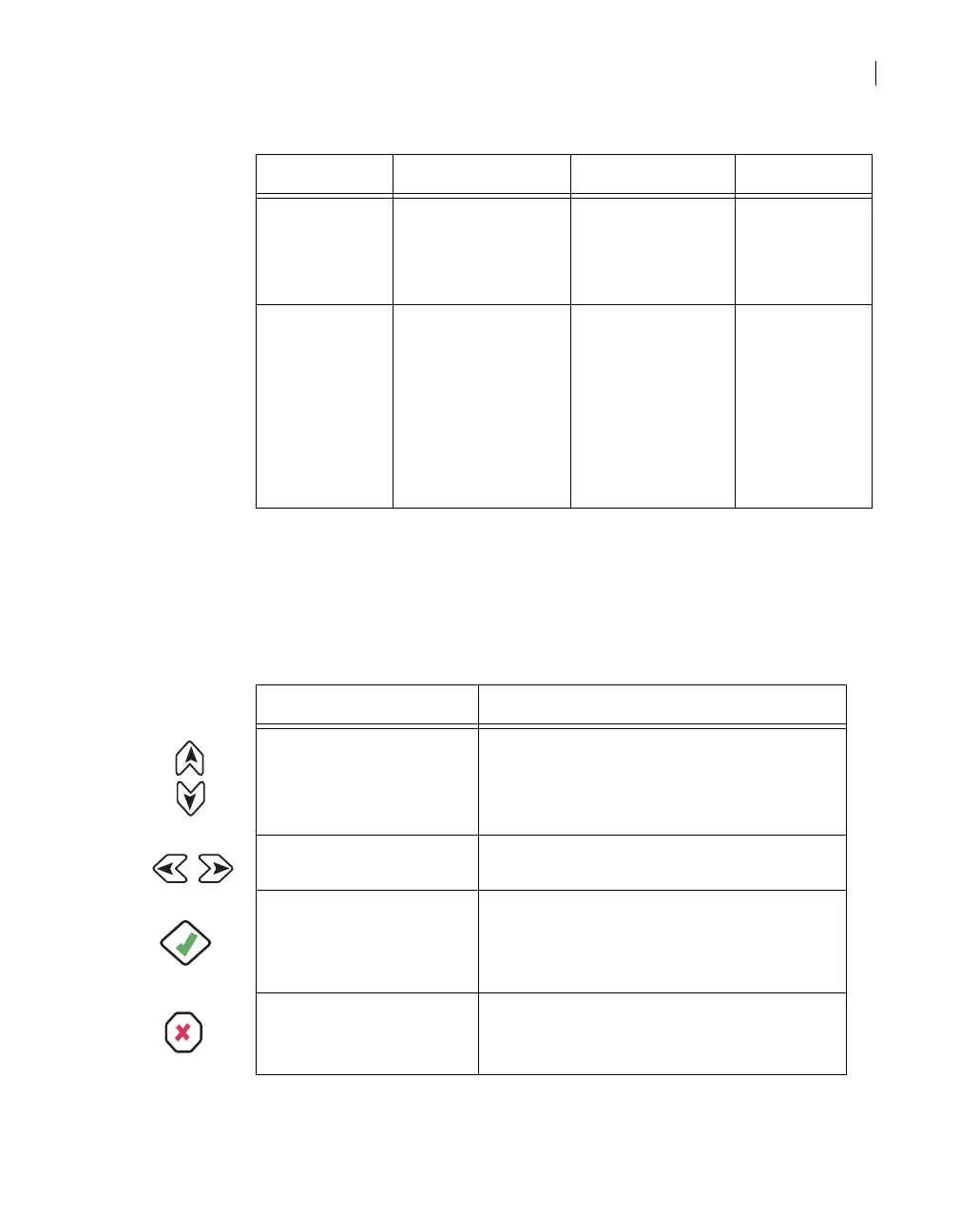
To move along the screens and sub-screens of the control panel, use the
following buttons of the control panel keypad:
Setup Down - Product Info.
Up - Alarm
Change operation
mode
Date and time
Reset
Edit date & time
Switch modes
Reset unit
Product Info. Down - Network
Config.
Up - Setup
Unit Information
Main board Info.
Interface module
Info.
Software
Information.
Control panel
hotkeys help.
Button Explanation
Up & Down
■
browse through the screens/sub-screens.
■
browse through sub-screen options.
■
while editing, browse through numerical
characters.
Left & Right ■
while editing, move the cursor along the
line.
Enter
■
executes a selection of a screen/sub
screen and of its available options.
■
quits an editing session and applies
changes.
Esc
■
moves up a menu level.
■
quits an editing session without applying
changes.
Screen Browsing sequence Sub-screens Options



 To Next Page