29Cabling and Configuration Preliminary Configuration of the NSG
To switch to Config mode:
1. Navigate to the Setup screen, using the <Up & Down> keys.
2. Click Enter. The Operation Mode screen appears.
3. Click <Enter>. You are prompted to enter a password.
4. Type in a password and click <Enter>.
The Change Op. Mode screen appears with a blinking cursor.
5. To select the Config mode, click <Down or Up> and then <Enter>.
The Operation Mode screen appears indicating the current operation
mode. After thirty minutes of inactivity, the Configure mode changes
automatically to the Monitor operation mode.
Editing Tips
You may edit parameters only in Config mode. If you are in Monitor
mode and you are trying to edit parameters, you are prompted to enter a
password and switch to Config mode.
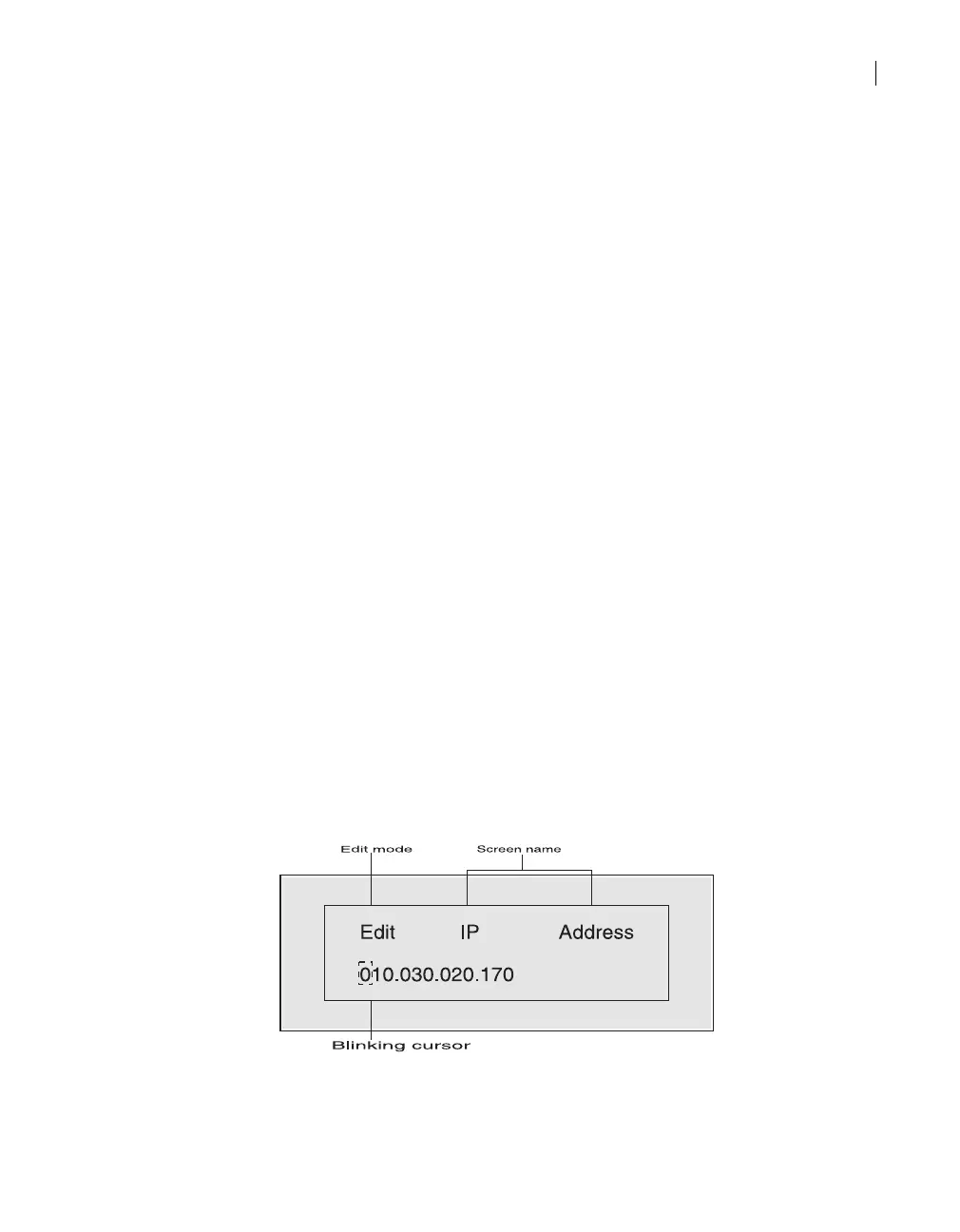
To start an editing session:
■
Click Enter:
The screen name changes to Edit (screen name).
A blinking cursor appears on the first character of the second line of
the screen.



 To Next Page