30
HARTING Electric GmbH
31
Management Software Ha-VIS mCon Series / Edition 2.4
System SettingsUser Manual Ha-VIS mCon Switch Management Software
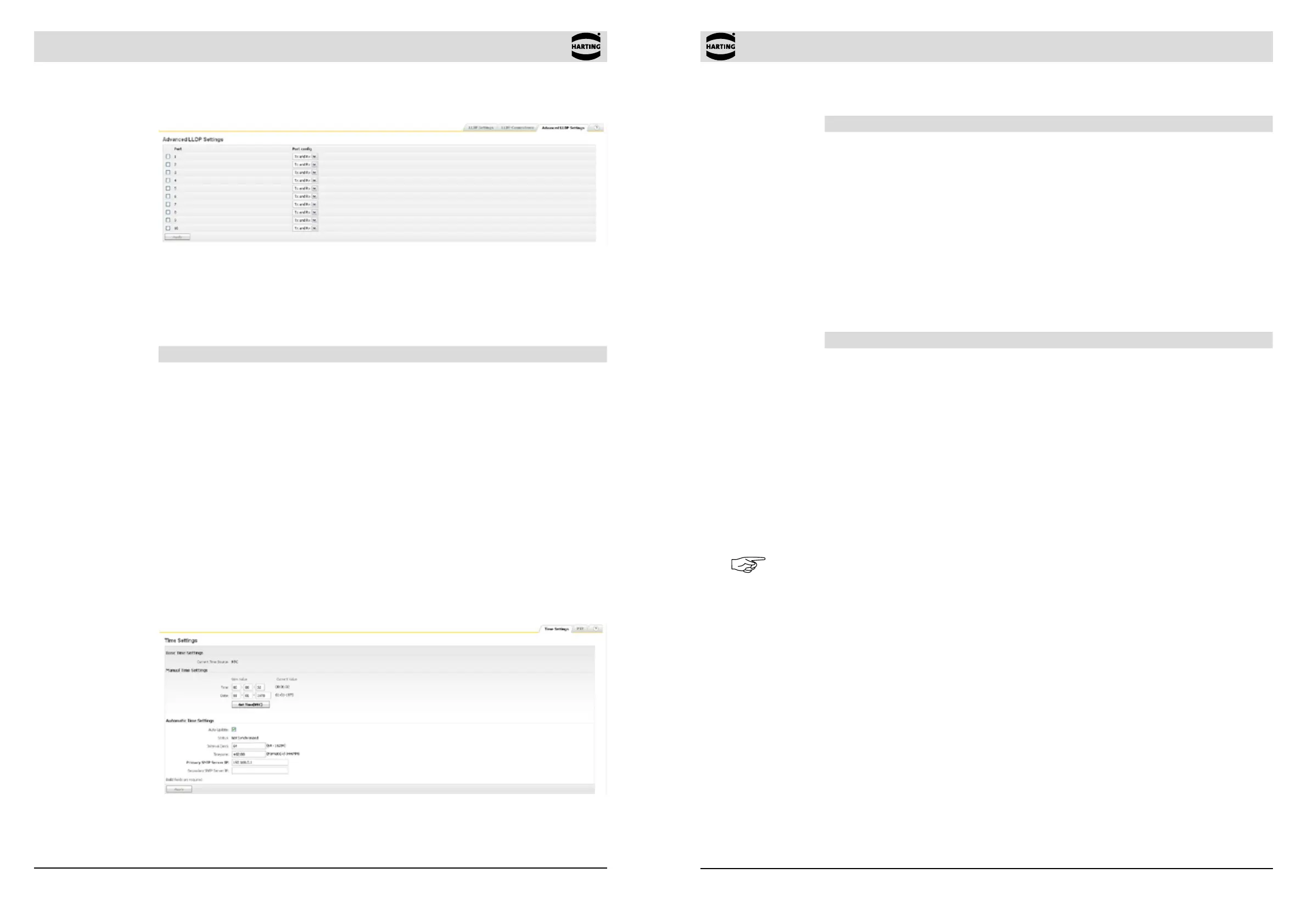
Manual Time settings
Function Description
Current Time Source RTC/PTP/NTP
Time Specify the system time manually. The current system time is
displayed below Current Value in the format hours:minutes:seconds
(24-hour format). The time can be specied manually in the New
Value column.
Date Specify the date manually. The currently set date is displayed
below Current Value in the format day-month-year. The date can be
specied manually in the New Value column.
Get Time Click on this button to enter the computer system’s time and date
into the elds above. The time information will be taken from the
computer on which the web browser is running.
Automatic Time settings
Function Description
Auto Update Check this box in order to receive the system time automatically with
the support of a SNTP server.
Status Shows the current synchronization status
Interval Specify the period of time in minutes. The system time is then
updated periodically at this interval.
Range of value: 64 - 16284
Default value: 64
Time Zone Specify the Time Zone -12:00 ... + 12:00
SNTP Servers Specify the address of the SNTP servers that will supply the system
time. The address can be that of either a publicly-accessible PC or a
specied PC in the network that serves as a time generator. The IP
address must be specied. More than one server may be specied
to provide redundancy.
Note
The Ethernet switch stores time and date up to 72 hours after power off. By default, the switch
starts with the following system settings after booting up:
Time 00:00:01
Date 01-01-1970
The Ethernet switch does not automatically adjust to summer and winter time. This should be
taken into account when evaluating log les or alarm-generated e-mails in which the time is
logged.
8.6.2 Precision Time Protocol (PTP)
PTP, in accordance with standard 1588v2, is a network protocol to synchronize the time of multiple
participants in a network. A PTP network consists of a hierarchical structure made up of clocks
which are synchronized with each other. One of the clocks is the “grandmaster clock” with which
all the other clocks are synchronized. Which participant is considered the “grandmaster clock” is
determined using the “best master clock” algorithm.
8.5.3 Advanced LLDP Settings
Figure 8-10 Advanced LLDP Settings (Network Discovery section)
In this menu, you can make more extensive settings for LLDP. You can enable or disable LLDP
for a specic port. Select Tx only if you want to transmit LLDP-frames but don’t want to receive
LLDP-frames. Choosing Rx only causes that LLDP-frames can be received but not be transmitted.
By default, both options are activated.
Function Description
Port Cong Select this function if you want to send and/or receive LLDP frames
on a specic port.
Range of value: Tx only / Rx only / Tx and Rx / Disable
Default value: Tx and Rx
8.6 Time Settings
This section allows you to set the system time for the switch. The time can be specied manually
or automatically via an SNTP (Simple Network Time Protocol) server.
The Simple Network Time Protocol is a subset of the Network Time Protocol used to synchronize
computer clocks in the Internet. HARTING switches implement the client portion of the SNTP protocol
and do not implement the server portion. The administrator has the choice whether to set the system
clock manually or to enable SNTP. If SNTP is enabled, the SNTP client gets the time from the server.
The SNTP client also has callouts to set the system time based on the time received from the SNTP
server.
8.6.1 Time Settings
Figure 8-11 Time Settings window



 To Next Page