Instructions for installation and use p. 14/15
8. Troubleshooting
Error Description
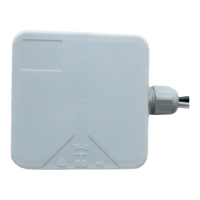
The remote start system cannot establish the connection to the WLAN.
Troubleshooting
Resetting the remote start system to factory settings:
• The remote start system must be supplied with voltage
• Switch the control unit ON / OFF 5 times - within 30 seconds
Reset to factory setting FOR SPECIALIST PERSONNEL ONLY:
• The remote start system must be supplied with voltage
• Controlunitmustbeswitchedo
• Measuring device on setting [A]
• Short-circuit the black and brown lines of the remote start system 5 times -
within 30 seconds
9. Maintenance
The device is maintenance-free.
● Please dispose of packaging materials in accordance with
the applicable disposal regulations.
● Used units contain reusable materials as well as hazardous
substances. Therefore, do not dispose of your used unit with
household waste, but rather do so in accordance with the locally
applicable regulations.
10. Disposal


 To Next Page
 Loading...