Page 26
BCS6000C-9
CHANGING THE SET POINT
Press and hold the SETUP key then press the ▲ arrow key. OPtr will appear in the Upper
Display. Release the SETUP key and press the ▲ arrow key until the Upper Display reads
SEtP, then press SETUP.
ULoc will appear in the Lower Display. Press the ▲ arrow until Upper Display reads 10 then
Press the SETUP key to enter the setup mode.
CAUTION
The STACK alarm setpoint is factory set at 400°F (204°C). If the system is
equipped with a fabric dust collector (baghouse), consult the manufacturer
for recommended baghouse temperature limitations.
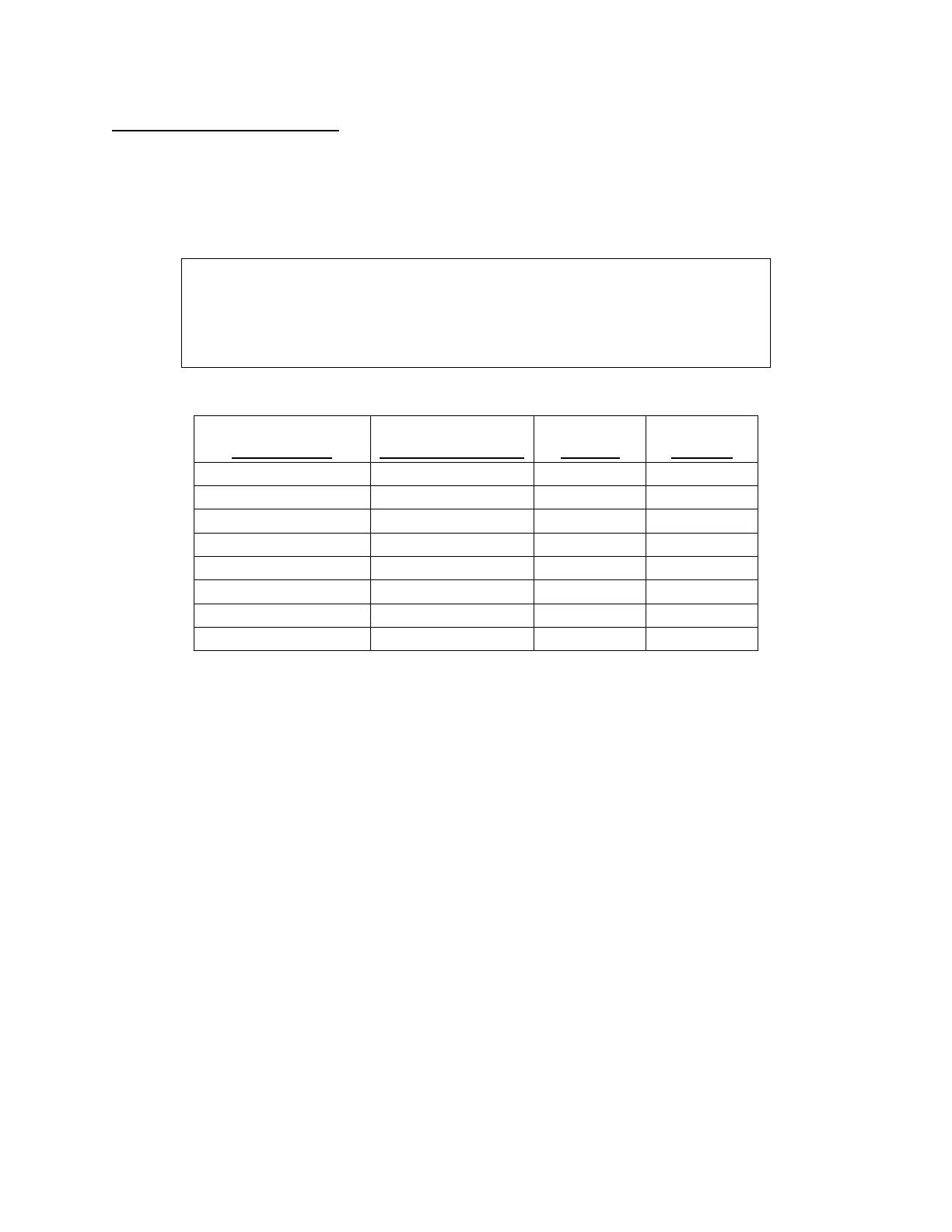
Set the parameters as shown in the following table.
LOWER DISPLAY
(FUNCTION)
FACTORY
CONFIGURATION
DEFAULT
TYPE J
OPTIONAL
TYPE K
SP R/min to R/max 400 400
HYSt 0.1 0.1 0.1
FiLt 2 2 2
PhA1 R/max 999.9 2503
AHY1 0.1 0.1 0.1
PLA2 R/min -199.9 -400.0
AHY2 0.1 0.1 0.1
SLoc 10 0 0
After your have completed the change hold the SETUP key and press the ▲ arrow key.
Release SETUP and press the ▲ arrow until OPtr appears in the Upper Display. Press SETUP
once more to return to the normal operating mode.


 To Next Page