7.12 Admin Setup Wizard
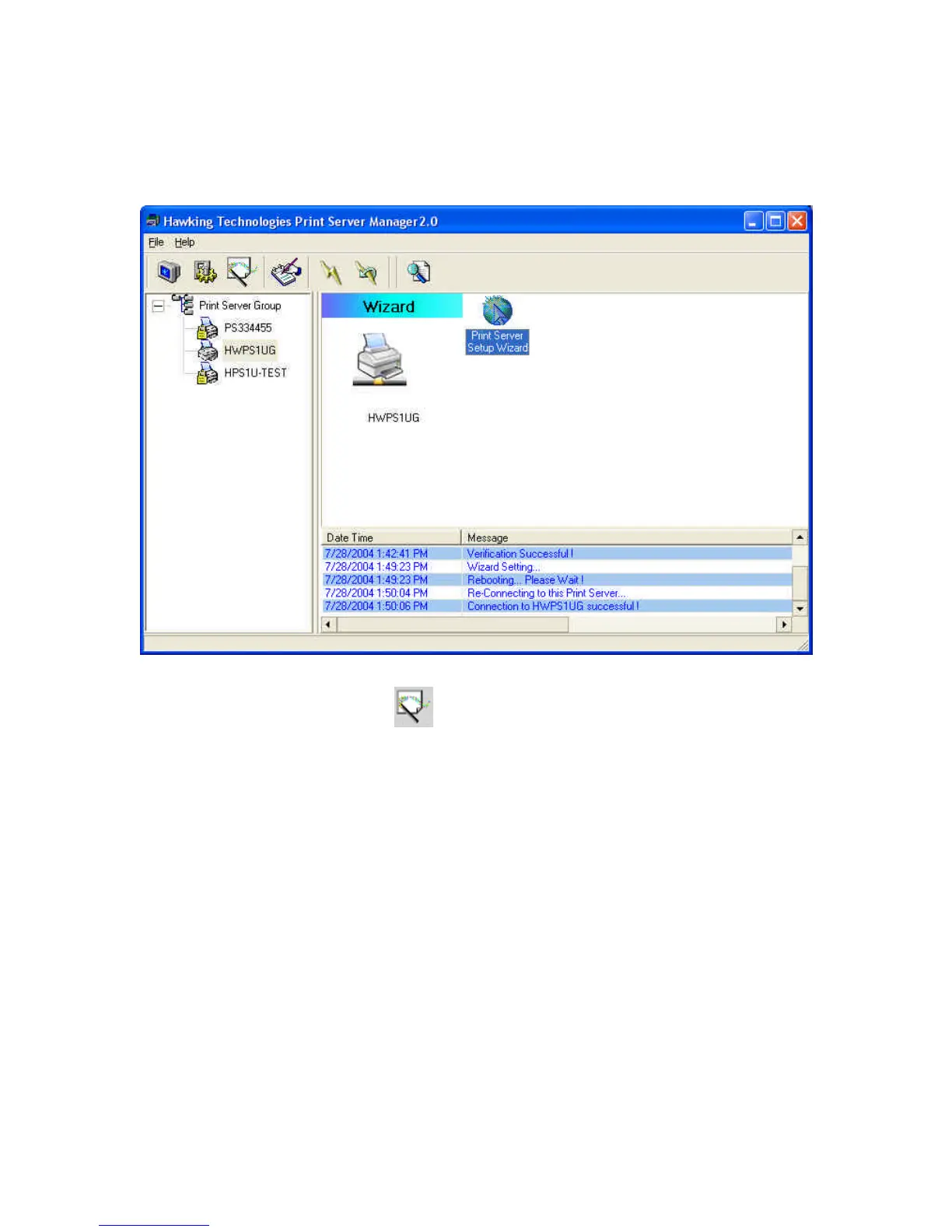
Click the “Wizard” icon on the tool bar and the setup
wizard of the current selected print server will be shown on the
right side of the information window.
Double click the “Print Server Wizard” and the setup wizard
will guide you through the setup process.
Step 1: Setup the name of the print server and the name of each
printer port. Please refer to section 7.6 and 7.8 for detailed
information.


 To Next Page
 Loading...