10.2 Login
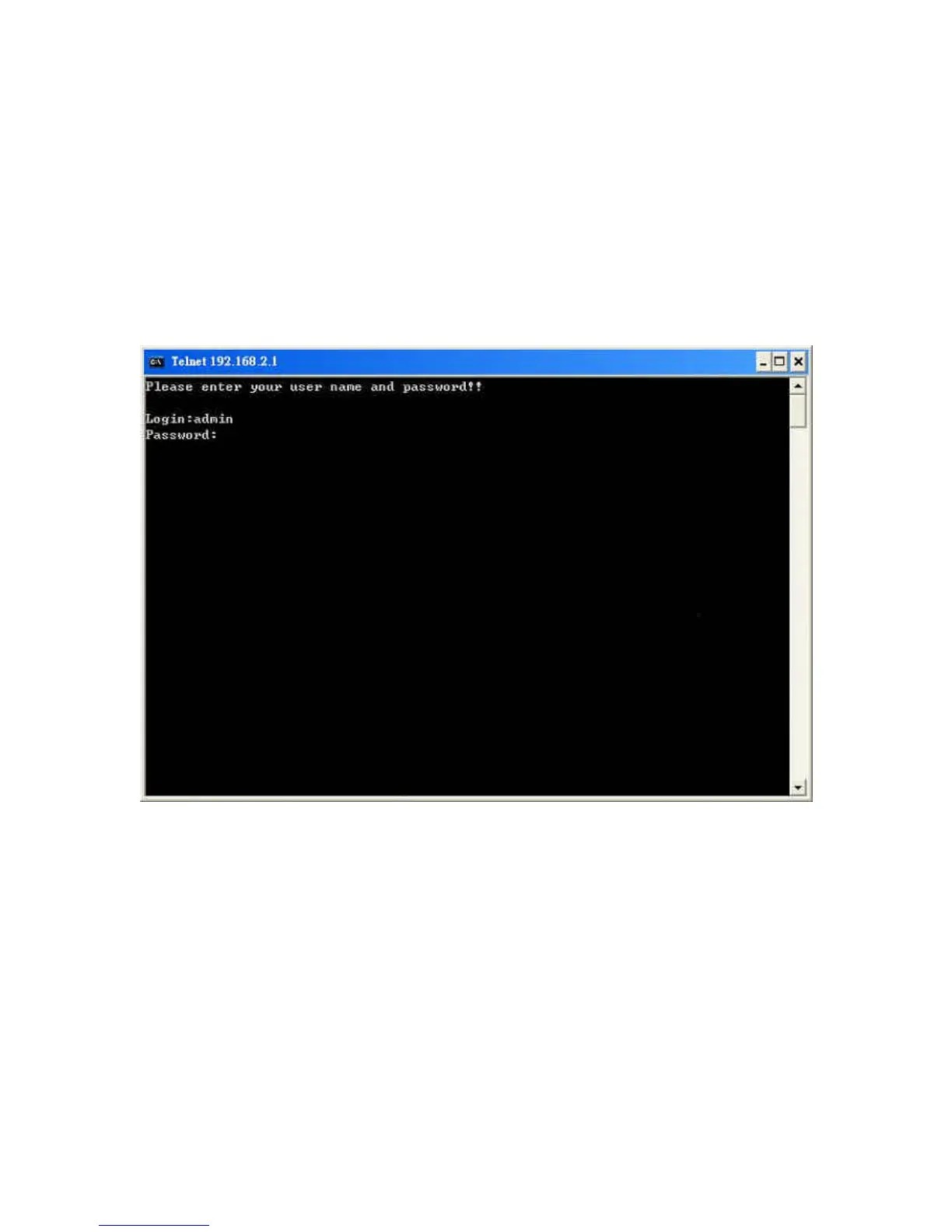
Execute the Telnet client tool and connect to the print server IP.
telnet 192.168.2.1
Then you will be prompted to enter the username and password.
After you successfully enter the correct username and password,
the following prompt will be displayed and you can start to
manage this print server through command line statements.
admin#


 To Next Page
 Loading...