8.2 Web Management of Print Server
8.2.1 Login
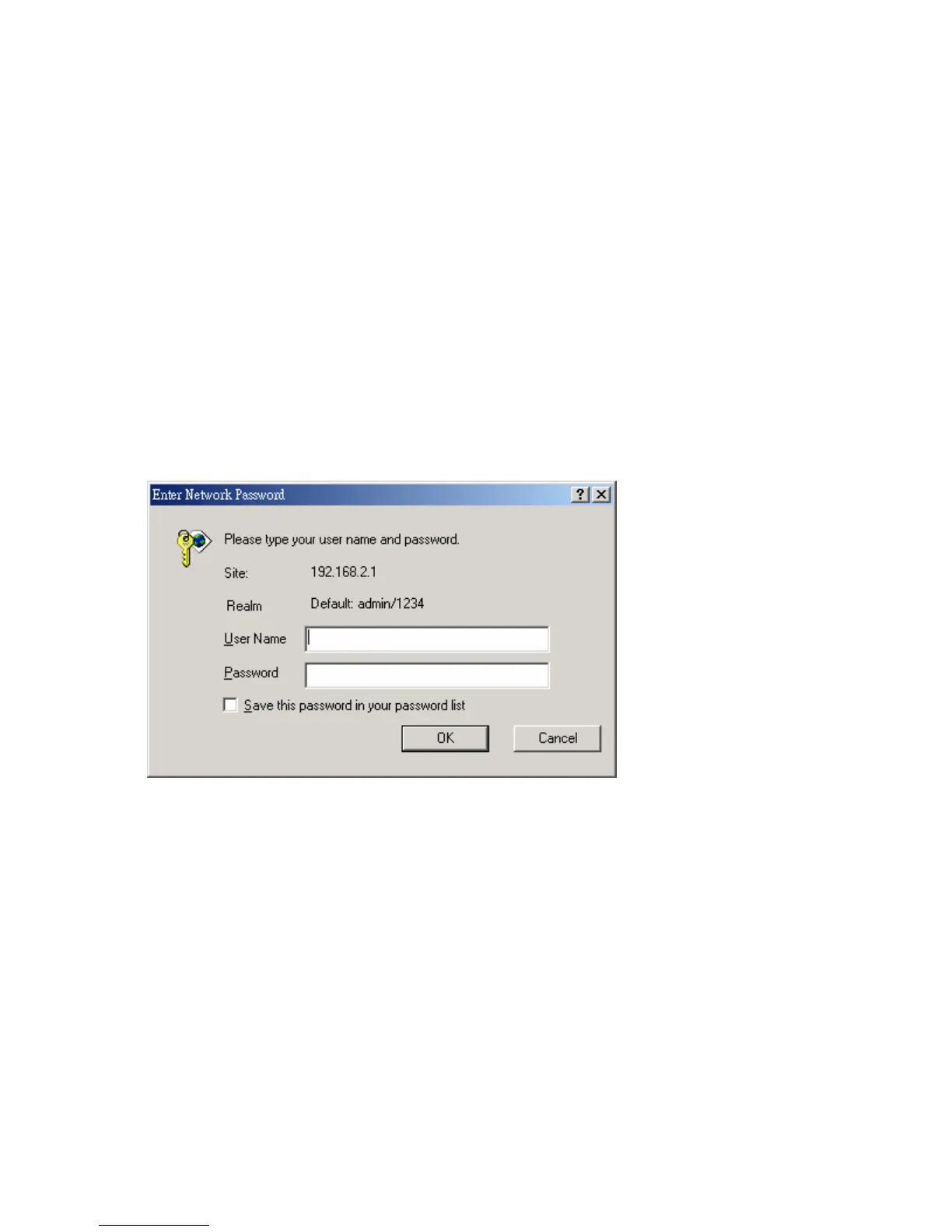
You can use any Web Browser to review the status or configure
the settings of the HWPS1UG. After entering the IP address of
the print server, a login page will be displayed. You have to
enter correct “User Name” and “Password” before accessing
the Web Management pages.
Note: Default User Name is “admin” and default password is
“1234”.



 To Next Page
 Loading...