7.4 Setting up the Print Server
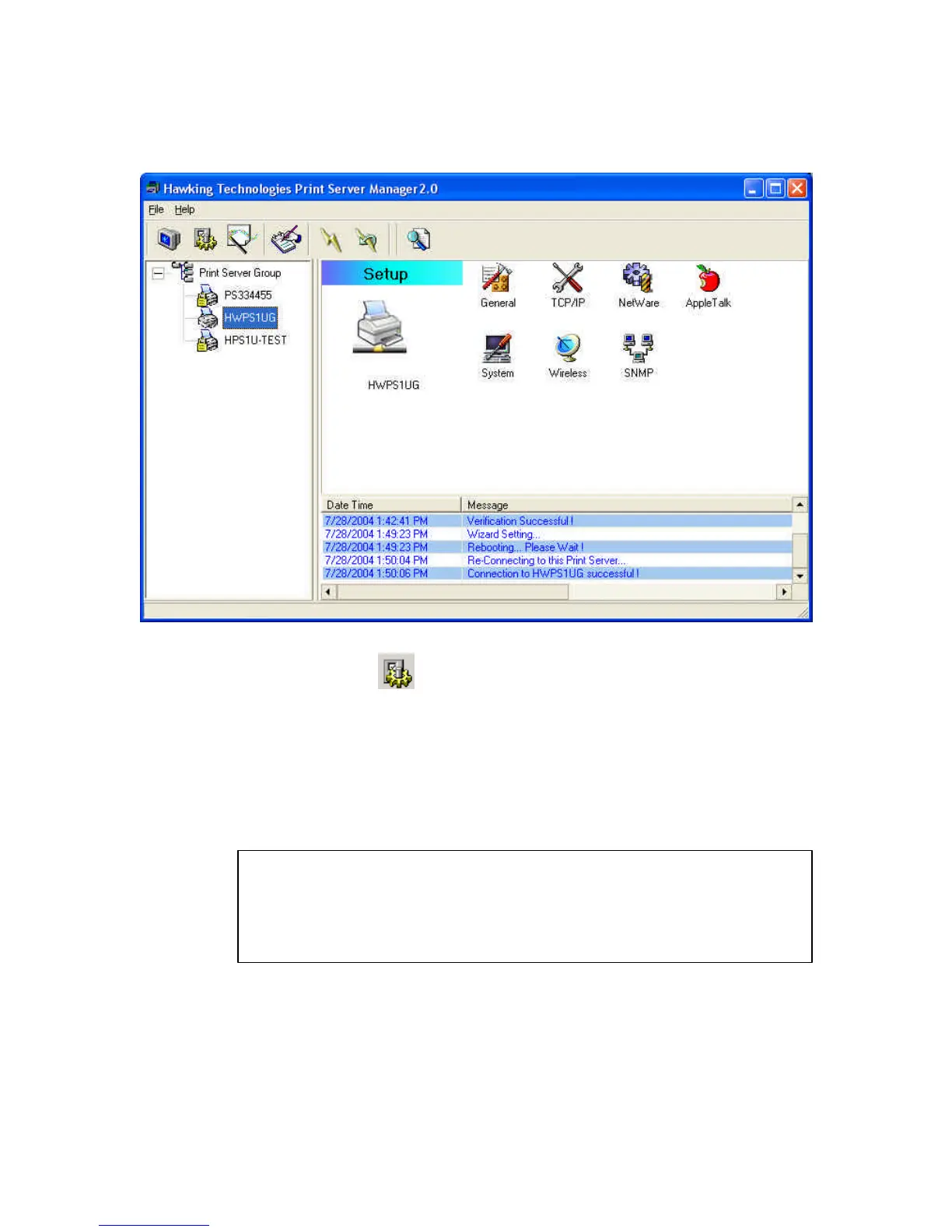
Click the “Setup” icon on the tool bar and the setup items
of the current selected print server will be displayed on the
right side of the window.
You can modify the HWPS1UG’s settings here.
: Default password and login is requested when
configuration settings are changed or modified -
Login: admin
Password: 1234


 To Next Page
 Loading...