9. The “Print Server Utilities” program will finish installing.
10. After this installation is complete, please click on “Finish”
to bring up the Easy Setup Wizard.
11. Once the Setup Wizard is activated, it will make sure you
have the necessary components to proceed with installation.
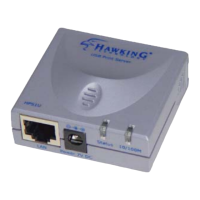
Please make sure you have connected your print server to your
network via an Ethernet connection, powered up your printer
and print server, and have connected the print server to your
printer.


 To Next Page
 Loading...