Helpful Videos – www.hzsupport.com Helpful Answers – 1-800-858-8501
4
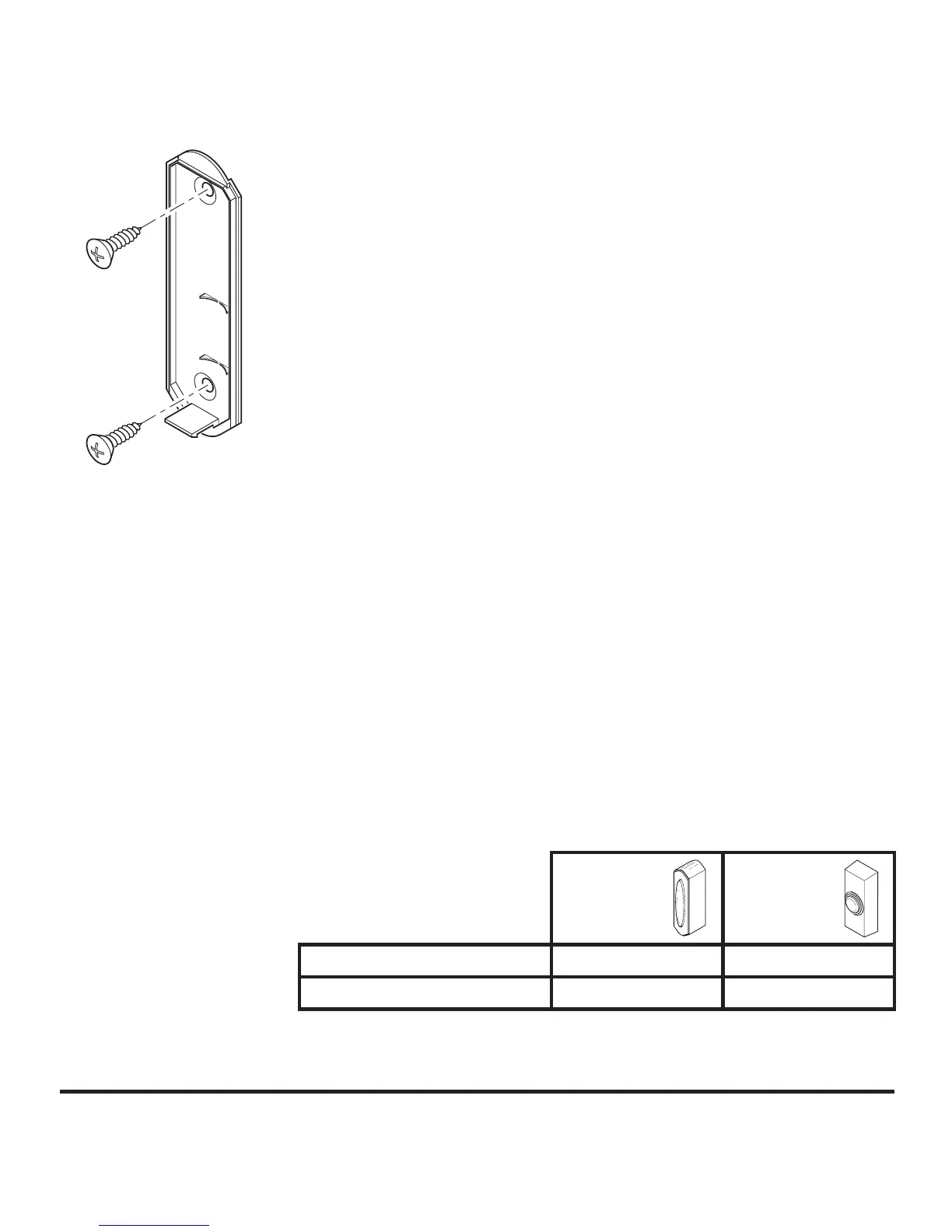
Figure 6
• Remove battery from push button. Wait 30 seconds.
• Install battery in push button.
• Within 1 minute of installing battery, press and hold the
push button for 5 to 7 seconds.
• Press the push button to confirm sync. If chime sounds,
sync is complete.
• Go to step 4.
4. Test range. Temporarily position push button where you
want it mounted. Press push button to verify chime and
push button work properly. If chime does not sound, see
Troubleshooting.
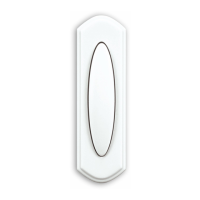
5. Mount push button. Use either screws or double sided
tape to mount push button.
• Screw Mounting: To mount with screws, remove
back of case by pushing in tab on bottom with a small
screwdriver (see Figure 1). Note: Remove material in
screw holes (if needed) before mounting with screws.
Attach back of case to door jamb or wall (see Figure
6). Snap front of push button on.
• Tape Mounting: When attaching push button using
double sided tape, make sure the surface of the door
jamb or wall is clean.
6. Battery replacement. Make sure batteries are installed
according to the diagram inside the push button.
IMPORTANT: Properly dispose of drained batteries.
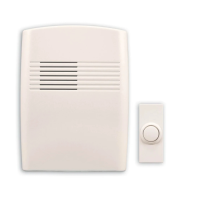
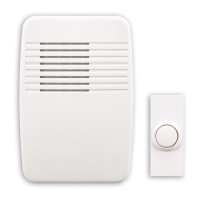
Battery
Model
7797
Model
7393
Type A23 12V
✔
Type 2032 3V
✔



 To Next Page