EasyManua.ls Logo

Heathkit SW-7800 - Page 11

Heathkit SW-7800
47 pages
Print Icon
To Next Page IconTo Next Page
To Previous Page IconTo Previous Page
Loading...
Heathkit
Page
99
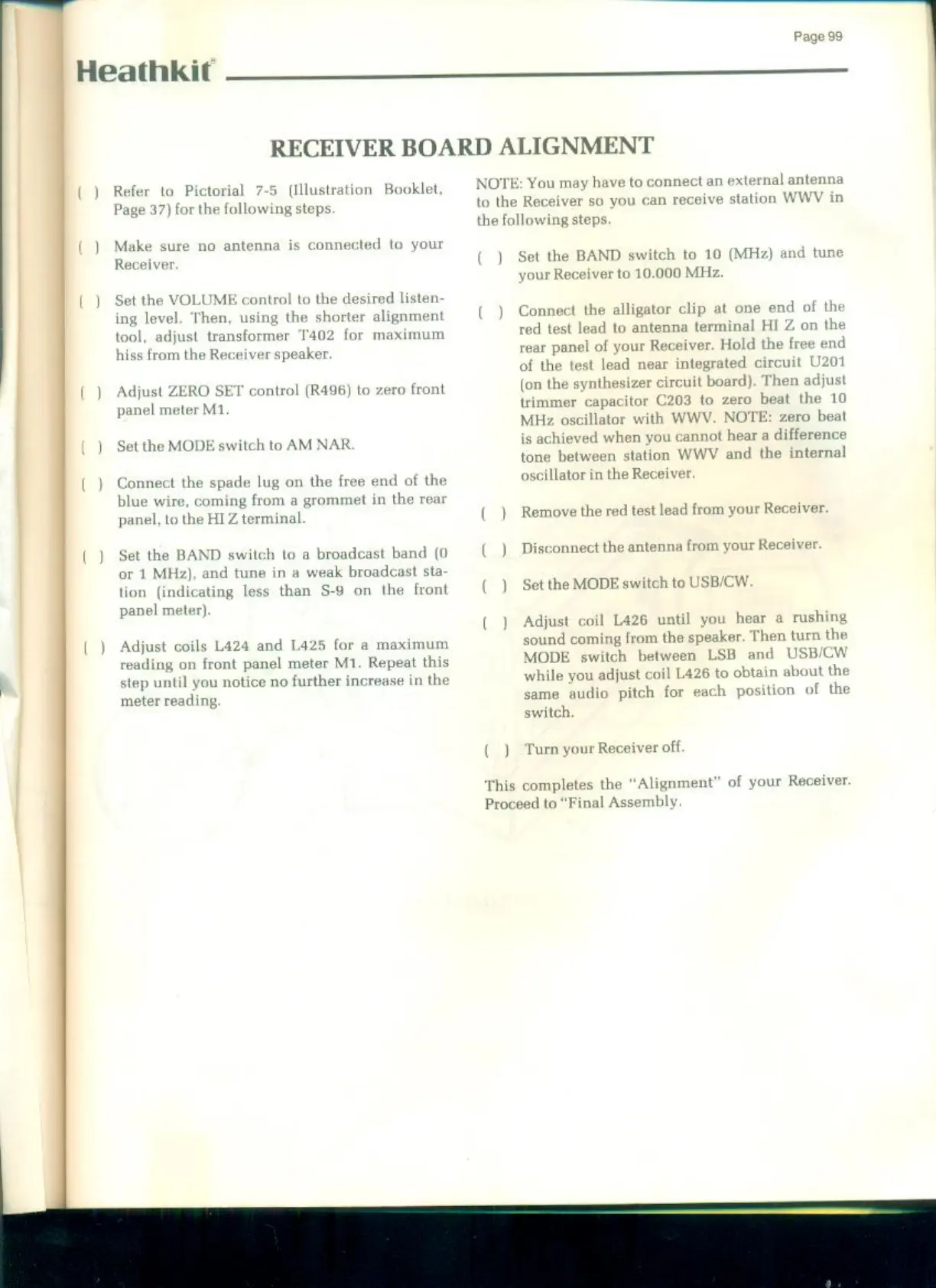
RECEIVER
BOARD
ALIGNMENT
Refer
to
Pictorial
7-5
(Illustration
Booklet
Page
37)
for
the
following
steps.
Make
sure
no
antenna
is
connected
to
your
Receiver
Set
the
VOLUME
control to
the
desired
listen-
ing
level.
Then,
using
the
shorter
alignment
tool,
adjust
transformer
T402
for
maximum
hiss
from
the
Receiver
speaker.
Adjust
ZERO
SET
control
(R496)
to
zero
front
panel
meter
M1
Set
the
MODE
switch
to
AM NAR.
Connect
the
spade
lug
on
the
free
end
of
the
blue
wire,
coming
from
a
grommet
in
the
rear
panel,
to
the HIZ
terminal
Set
the
BAND
switch
to
a
broadcast
band
(0
or
1
MHz),
and
tune
in
a
weak
broadcast
sta-
tion
(indicating
less
than $-9
on
the
front
panel
meter).
Adjust
coils
L424
and 1425
for
a
maximum
reading
on
front
panel
meter
M1.
Repeat
this
step
until
you
notice
no
further
increase
in
the
meter
reading
NOTE:
You
may
have
to
connect
an
external
antenna
to
the
Receiver
so
you
can
receive
station
WWV
in
the
following
steps.
(.)
Set
the
BAND
switch
to 10
(MHz)
and
tune
your
Receiver
to
10.000
MHz.
()
Connect
the
alligator
clip
at
one
end
of
the
red
test
lead
to
antenna
terminal
HI
Z
on
the
rear
panel
of
your
Receiver.
Hold
the
free
end
of
the
test
lead
near
integrated circuit
U201
(on
the
synthesizer
circuit
board).
Then
adjust
trimmer
capacitor
C203
to
zero
beat
the
10
MHz
oscillator
with
WWV.
NOTE:
zero
beat
is
achieved
when
you
cannot
hear
a
diffe
tone
between
station
WWV
and
the
internal
oscillator
in
the Receiver
(_)
Remove
the
red
test
lead
from
your
Receiver.
(_)
Disconnect
the
antenna
from
your
Receiver
(_)
Set
the
MODE
switch
to
USB/CW
()
Adjust
coil
L426
until
you
hear
a
rushing
sound
coming
from
the
speaker.
Then turn
the
MODE
switch
between
LSB
and
USB/CW
while
you
adjust
coil
L426 to
obtain
about
the
same
audio
pitch
for
each
position
of
the
switch,
()
Turn
your
Receiver
off.
‘This
completes
the
“Alignment”
of
your
Receiver.
Proceed
to
“Final
Assembly

Related product manuals