EasyManua.ls Logo

Heathkit SW-7800 - Initial Control Settings

Heathkit SW-7800
47 pages
Print Icon
To Next Page IconTo Next Page
To Previous Page IconTo Previous Page
Loading...
Heathkit
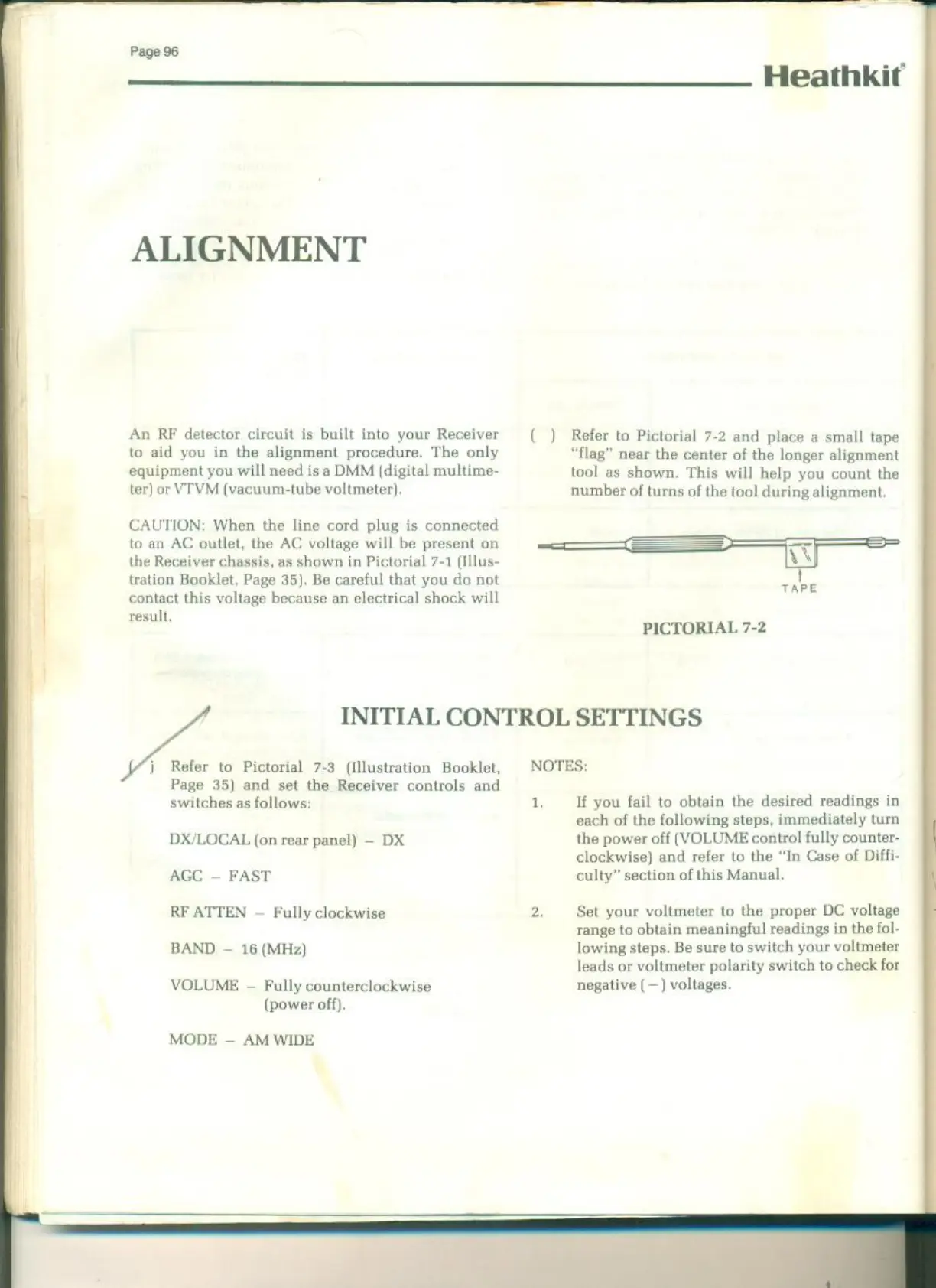
ALIGNMENT
An RF
detector
circuit
is
built
into
your
Receiver
Refer
to Pictorial
7-2
and
place
a
small
tape
to aid
you
in
the
alignment
procedure.
The
only
“flag”
near
the
center
of
the
longer alignment
equipment
you
will need
is
a
DMM
(digital
multime-
tool
as
shown.
This
will
help
you
count
the
ter)
or
VIVM
(vacuum-tube voltmeter)
number
of
turns
of
the
tool
during
alignment.
CAUTION:
When
the
line cord
plug
is
connected
to
an
AC
outlet,
the
AC
voltage
will
be
present
on
SSS
the Receiver
chassis,
as
shown
in
Pictorial
7-1
(Illus-
IN
tration
Booklet,
Page
35).
Be
careful that
you
do
not
contact
this
voltage
because
an
electrical
shock will
result.
=
il
TAPE
PICTORIAL
7-2
INITIAL
CONTROL
SETTINGS
|
Refer
to
Pictorial
7-3
(Illustration
Booklet,
NOTES:
Page
35)
and
set
the
Receiver
controls and
switches
as
follows:
1,
If
you
fail
to
obtain the
desired
readings
in
each
of
the
following
steps,
immediately
turn
DX/LOCAL
(on
rear
panel)
DX
the
power
off
(VOLUME
control
fully
counter-
clockwise)
and refer
to
the
“In Case
of
Diffi-
AGC
FAST
culty”
section
of
this
Manual.
RF
ATTEN
~
Fully
clockwise
Set
your
voltmeter
to
the
proper
DC
voltage
range
to
obtain
meaningful readings
in
the
fol-
BAND
16
(MHz)
lowing
steps.
Be
sure
to
switch
your
voltmeter
leads
or
voltmeter
polarity
switch
to
check
for
VOLUME
-
Fully
counterclockwise
negative
(—)
voltages.
(power
off).
MODE
AM WIDE

Related product manuals