Operation
13
Speed range settings
(only available for Hei-TORQUE Value 400 and Hei-TORQUE Precision 400)
To ensure constant speed under changing loads you can choose between two gear
settings.
Caution:
Possible transmission failure
Gear transmission can be damaged if you switch between gear stage
I and II during operation.
Switch gear stage only if the unit is not in operation.
✓ Rotation is switched off.
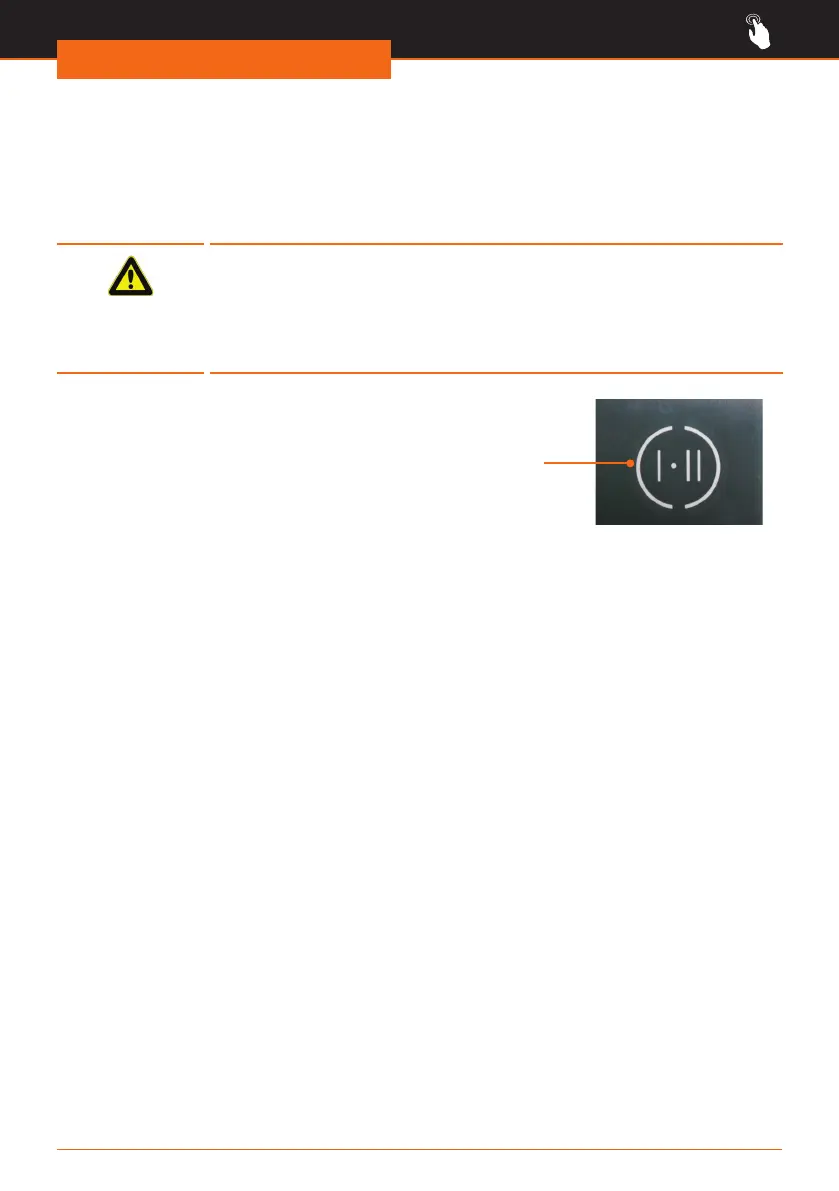
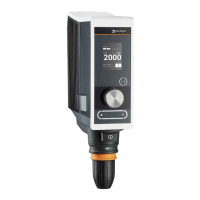
➜ Touch the gear stage on the operating
panel.
✓ The operating panel will display the
actual gear setting.
✓ Touching the button speed settings
will automatically adjust to the lowest
rpm:
▪ Gear stage I:
Speed settings
from 40 – 400 rpm
▪ Gear stage II:
Speed settings
from 200 – 2,000 rpm
Touch panel
gear stage




 To Next Page