19
PTZ Function and Preset
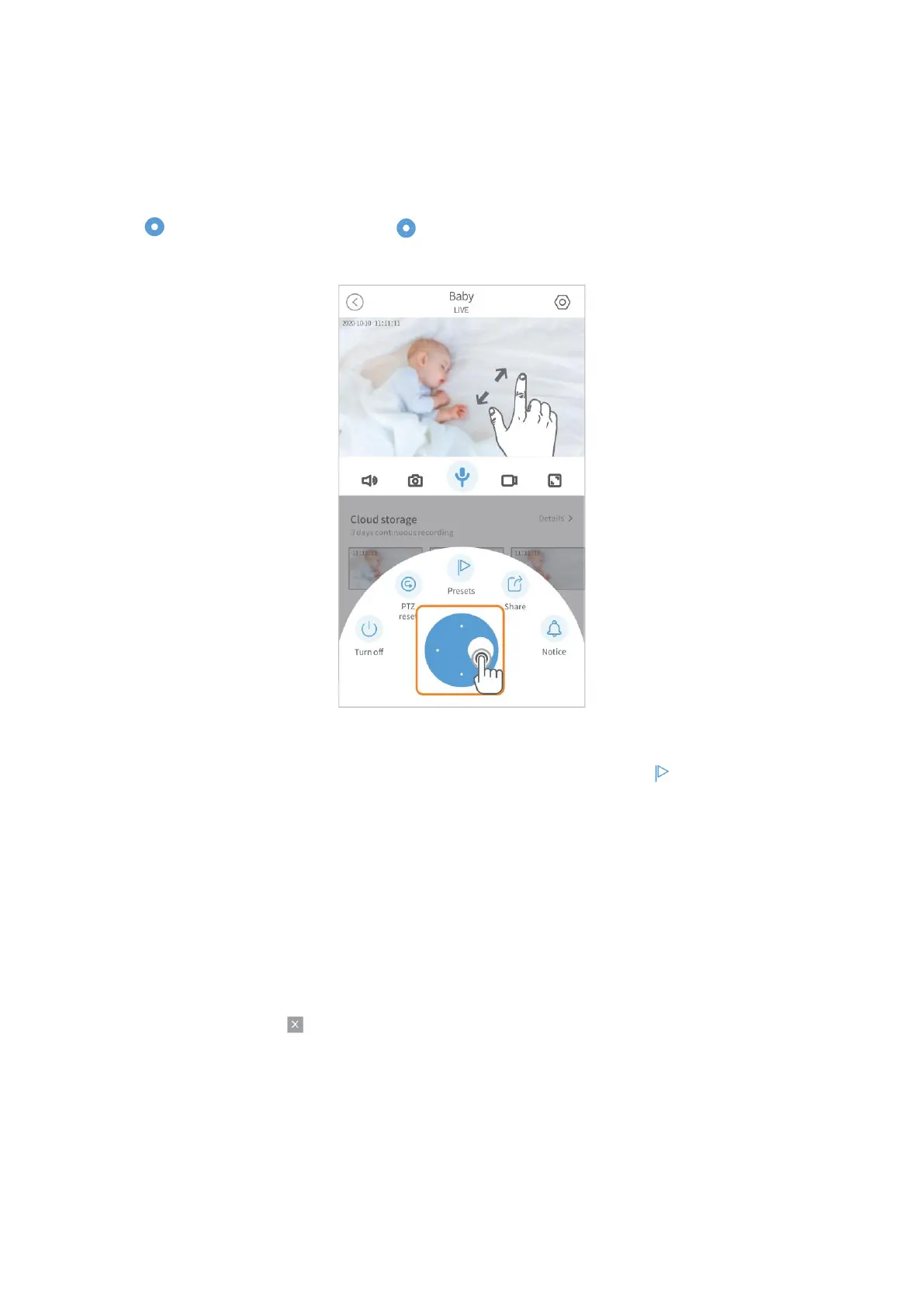
Pan & Tilt & Zoom Function
Tap on the Live Video, then slide to pan/tilt the camera. Spread/pinch or double
tap on the live video to zoom in/zoom out the live image.
Preset
Pan/tilt the camera to the direction you would like to focus, then tap to create a
preset.
1. Create a preset.
Tap + to create a preset, name it and tap Save.
2. Call a preset.
Tap the thumbnail and the camera will directly rotate to the preset location.
3. Delete a preset.
Tap Edit, then tap to delete the preset.



 To Next Page