5
Note:
Google Play™ is a trademark of Google Inc., and App Store™ is a trademark of Apple Inc.
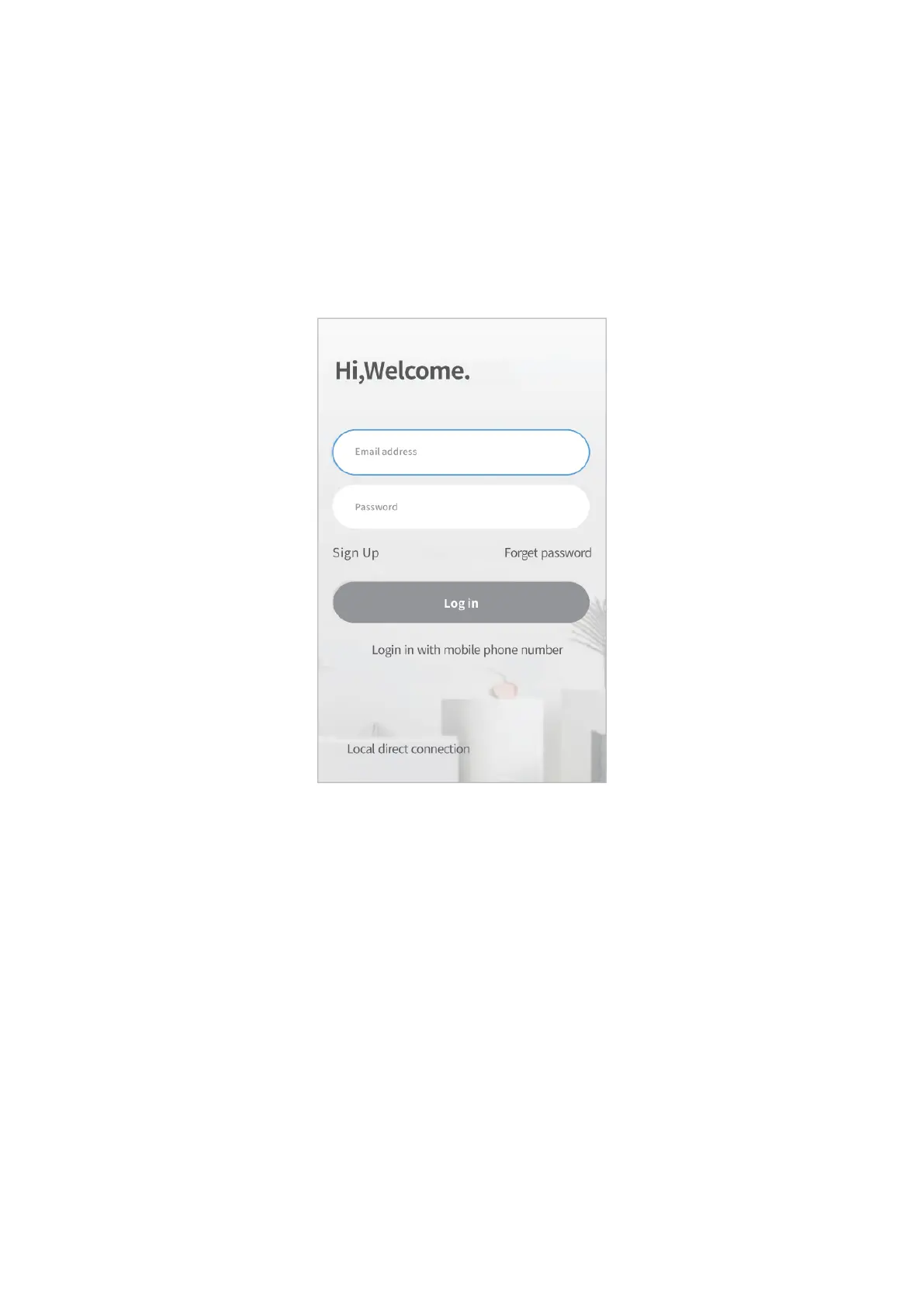
Account Registration and Login
Please register an account with a valid email address, then log in.
Connect the Camera to HeimLink Account
IMPORTANT:
• This camera only supports 2.4GHz Wifi networks.
• For a stable network connection, please make sure the camera and the mobile
device are close to the router.
• Avoid using special characters or symbols in your Wifi name and password, such as
@~!#$%^&* and so on.
• For all connecting options, you will hear the voice prompts after the camera is
powered on. Press and hold the Reset button for 5~6s to reset the camera if no
voice prompts heard. You will hear “Reset success“ at a successful reset.
• Please turn on the location service and Wifi on your mobile device, then allow
HeimLink App to access your location and use Wifi.



 To Next Page