26
Cancel auto renewal of cloud service
Step 1:
Please visit https://heimlink.heimvision.com/ and log in with your account.
Step 2:
Click your account and Account Info to check your Payment Information, then tap Cancel
to cancel auto renewal.
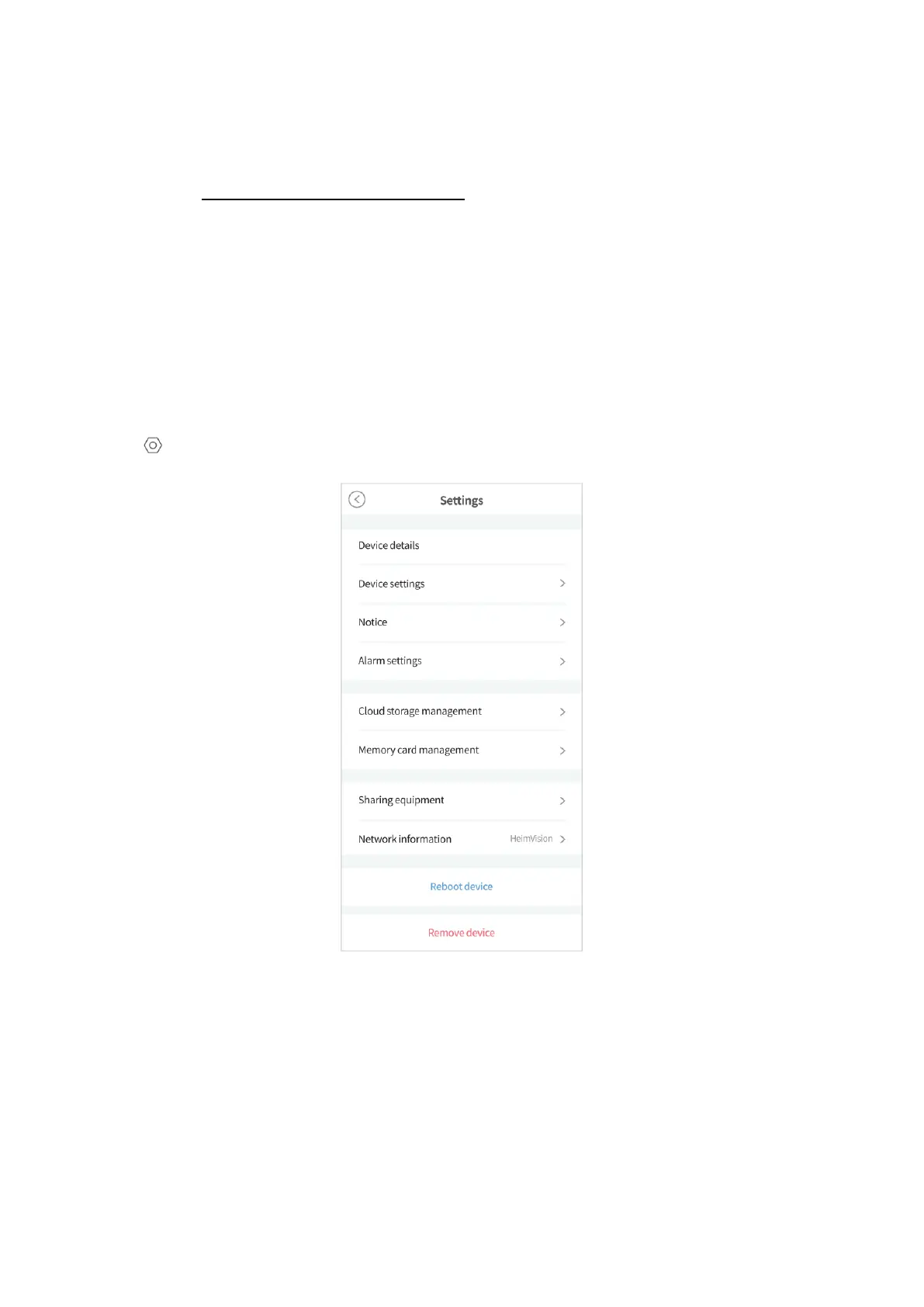
More Settings
Tap in the top right corner of the Live Video to check more settings about the camera.
Device details:
Rename your camera, and check your camera’s version, ID and Mac address.
Device settings:
• Select the time zone.
• Turn on/off your camera.



 To Next Page