21
3. Set alarm tone
Go to Settings > Device settings to turn on Alarm Tone, and the camera will give out
siren sounds when motion/sound/human outlines are detected.
Notification Settings
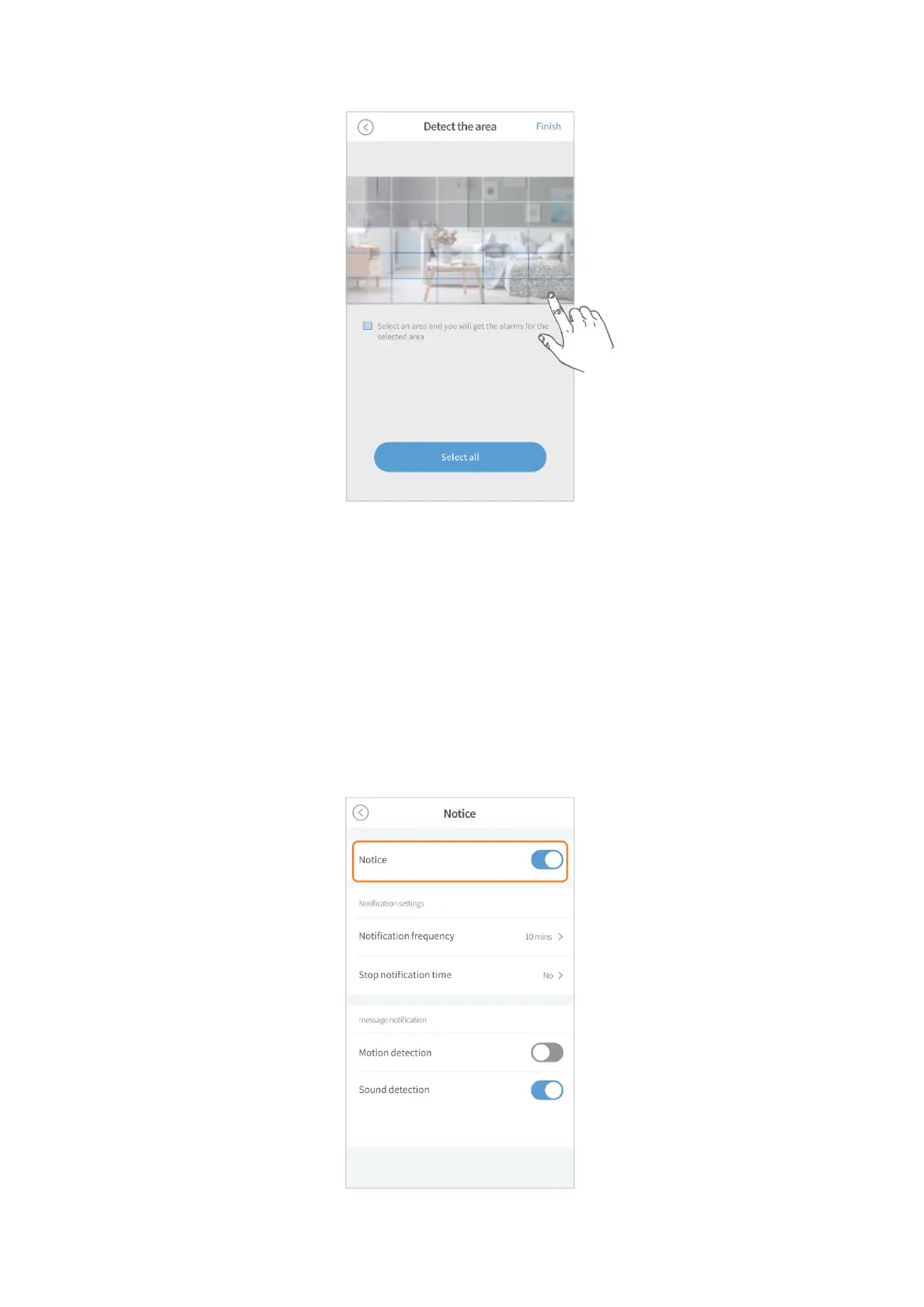
1. Switch on the notifications
Please allow to HeimLink to send notifications to you on your phone’s settings
firstly. Then go to Settings > Notice to enable the option of Notice.



 To Next Page