12
Other Functions on the Menu Bar
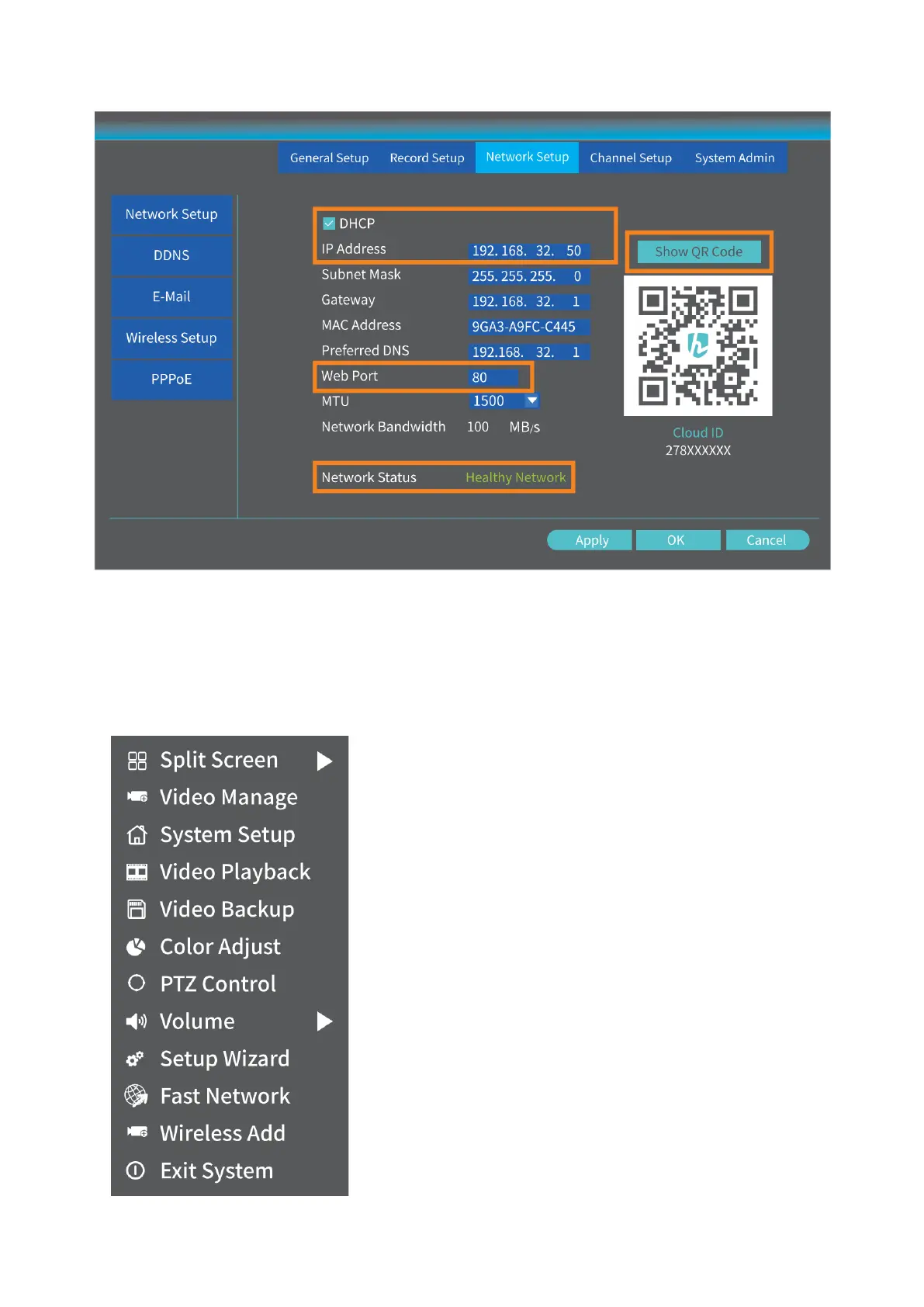
Right click the mouse to show the main Menu bar as shown below, right click again to
hide it.
Split screen:
Select it to change the channel displayed on the screen
or divide the screen into four/six/eight channels.
Video Manage:
Select it to add IP cameras by Match Code, to manage IP
cameras and channels, etc.
System setup:
It includes General setup, Record setup, Network setup
and System Admin.
• General setup: change Language, set up the Time,
change Display Resolution and check HDD
information, etc.
• Record setup: set up the record mode for each
channel.
• Network setup: check the IP address, Cloud ID, etc.



 To Next Page