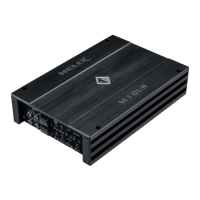
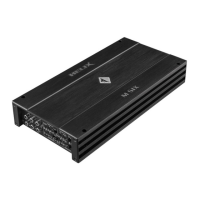
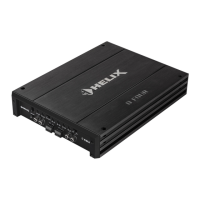
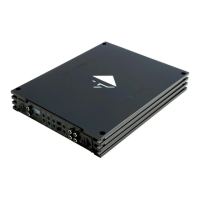
24
Connectors and control units
10
Auto Remote
This switch allows to activate / deactivate the
automatic turn-on feature of the Highlevel
Input.
11
Speaker Output
Speaker outputs for connecting speaker
systems.
12
Power & Protect LED
This LED indicates the operating mode of the
amplier.
13
+12 V
Connector for the +12 V power cable to the
positive terminal of the battery.
14
REM
Connector for the remote cable of the radio.
15
GND
Connector for the ground cable (negative
terminal of the battery or metal body of the
vehicle).
1
Control pushbutton
Use this button to either switch between the
setups or initiate a reset of the device.
2
Rem. Out
The remote output has to be used to turn on /
o external ampliers that are connected to
the RCA / Cinch line outputs.
3
Highlevel Input
Highlevel speaker inputs for connecting a
factory radio or an aftermarket radio without
lowlevel line outputs.
4
Line Input
RCA / Cinch inputs for connecting
pre-amplier signals.
5
USB Input
Connects the HELIX M FOUR DSP to your
PC.
6
Status LED
This LED indicates the operating mode of the
amplier and of its memory.
7
Control Input
Multifunction interface for e.g. an optional
remote control or other HELIX accessory.
8
Optical Input
Optical input for digital stereo signals (SPDIF
format).
9
Line Output
Line outputs for connecting external
ampliers. Make sure that the remote output
(Rem. Out) is used to turn on these devices.
12 13 14 1511
1 2 43
5 6 7 8 9
10

 To Next Page
 Loading...