Helmer Scientic i.Series
®
and Horizon Series
™
Freezer - Upright Operation Manual
360369/A 10
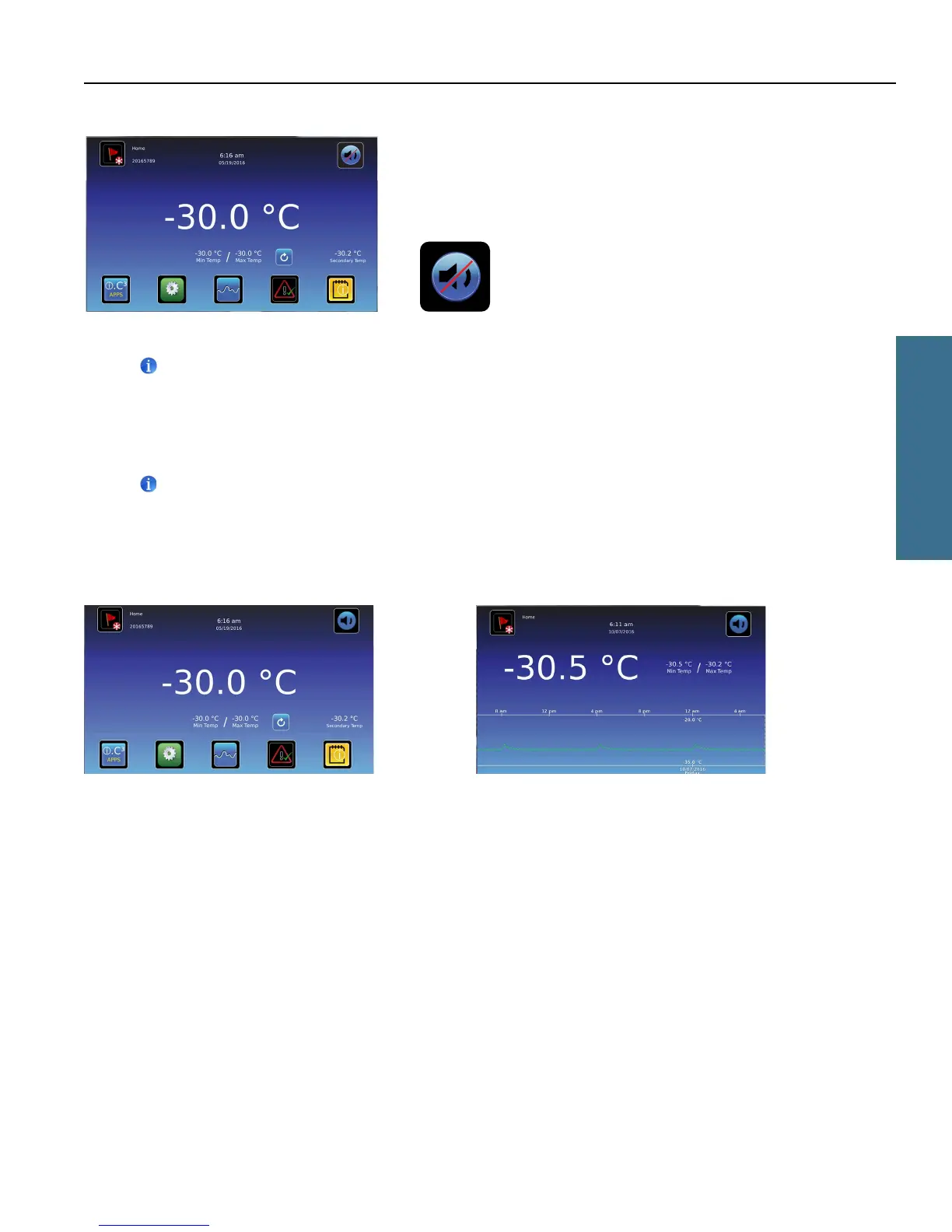
If an alarm sounds, temporarily mute the alarm by touching the Mute button.
Home screen - alarm muted Mute icon
Note
Active alarms are displayed on the Home screen. If an alarm condition other than High Temperature occurs, refer to the
service manual for troubleshooting.
3.2 Operation
Notes
• Refer to the i.C
3
User Guide for complete information regarding the i.C
3
User Interface.
• The i.C³ Home screen displays temperature and alarm information, and provides icons to gain access to other functions
of the i.C³.
• After two minutes of inactivity, the screensaver will be displayed. To return to the Home screen, touch the screensaver.
Home screen Home screensaver (touch to return to Home screen)
i.Series Operation



 To Next Page