Quick Start Guide REX 300 19
5.2 Tips and tricks
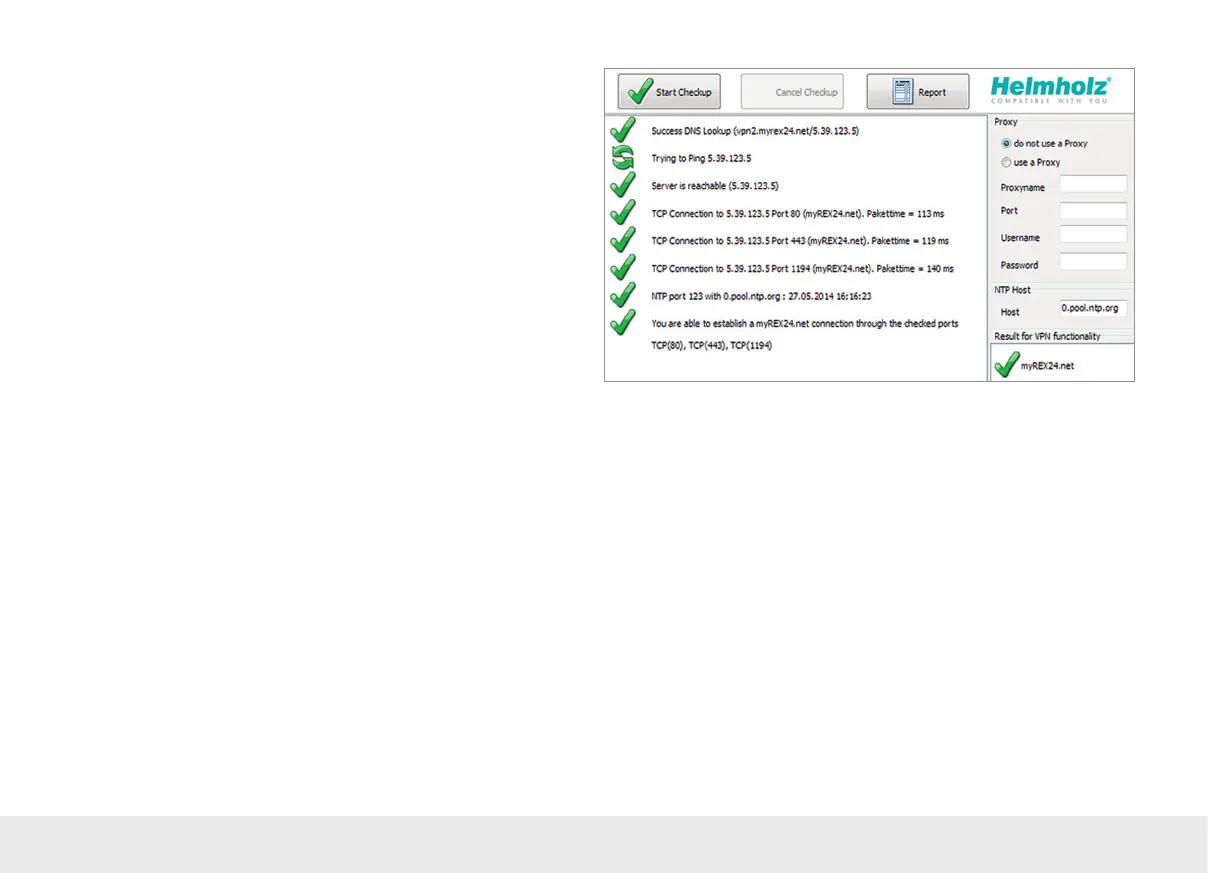
- If the connection to the myREX24 portal does not work on the rst try, please
install our „shCHECK“ testing tool on a PC. This free program will check whether
the ports needed to successfully establish a connection to the myREX24 portal are
open. This test can be carried out both on the network from which a REX router is
to create a connection to the Internet and from a PC with Internet access on which
the shDIALUP dial-up software has been installed.
- In order to be able to establish a connection to myREX24, at least one of the TCP
ports (80, 1194, or 443) required for the VPN tunnel must be open.
- The required outbound TPC/IP address of the portal server is 5.39.123.5
- Alternatively, you can also view the status of your machines by calling it up directly
from your browser: https://vpn2.myrex24.net. Please use your shDIALUP access
data to log in. After successfully logging in, device congurations can be modied
if necessary and made available on the CTM, and existing WEB2go sessions can be
opened.
- In the event that the provider interrupts the connection of your REX 300 router
during GSM remote maintenance, this may have taken place for the following rea-
sons, among others: incorrect user name/password, ports blocked by the provider
or prepaid SIM cards have no credit left.
- If you would like to use the function for the automatic sending of e-mail of the REX,
the SMTP port 25 may not be blocked.



 To Next Page