Quick Start Guide REX 300 21
6.3
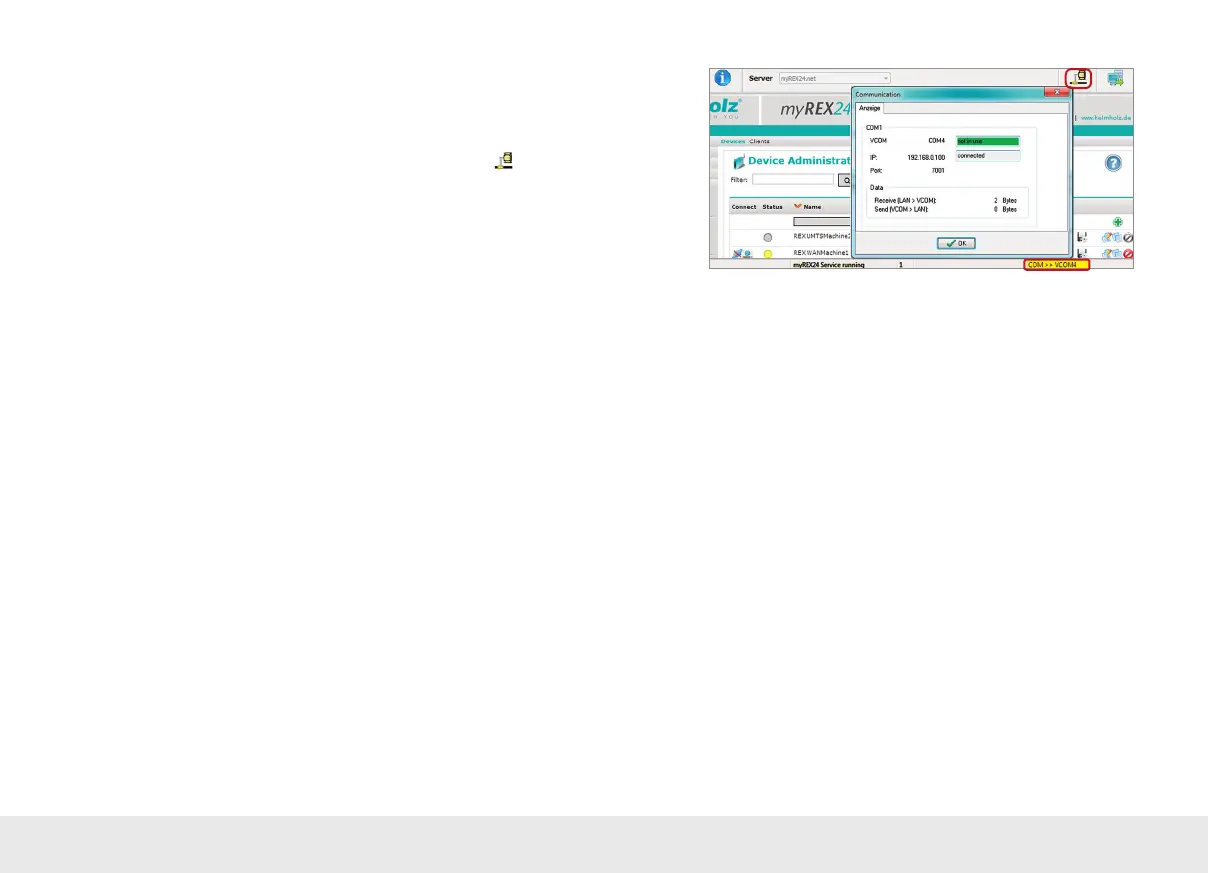
In this example, the COM connection 4 is now also available in the system in
addition to the standard remote maintenance connection. The possibility for serial
communication is still indicated in the task bar by a yellow symbol.
To get more information, you can click on the VCOM LAN status button .
7. Alternative con guration without myREX24 Portal
with integrated assistants
If you would like to use the REX 300 without our "myREX24" mediation server, you
can also use other OpenVPN software or, for example, set up the IPsec encryption
embedded in your hardware.
If you have activated the selection for the classic router in the "First Start" screen, you
reach the corresponding step-by-step con gurator of the web interface through the
"Assistants" menu point in the top right corner.
Note: Manual parameterization is also possible, and we provide detailed installation
examples for the versions named above in the download area of our homepage.



 To Next Page