26
3: eDriveTC Operation
For Contour Driving
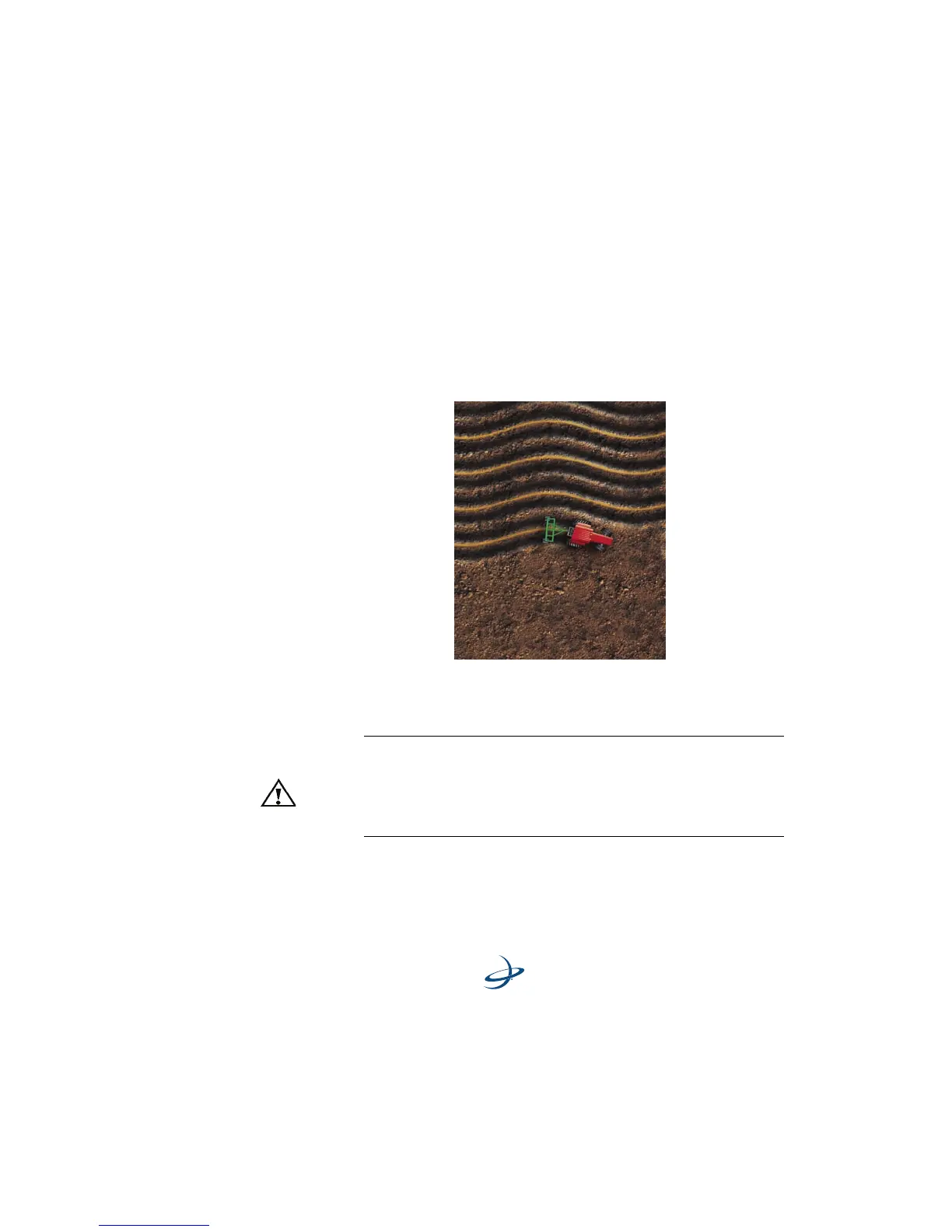
1. Enter the CONTOUR GUIDANCE mode and make the initial pass.
Anytime you approach a previous pass, the Outback guidance
controller begins to display guidance.
2. Manually steer the vehicle close to the guideline and engage the
eDriveTC. For sharp turns, slow down or manually steer the
vehicle.
In either straight or contour mode, the eDriveTC
automatically
disengages when manually steered off the guideline.
Warning!
Switch off power to the eDriveTC console when traveling
between fields at road speeds. This will prevent the chance of a
false engagement of the automated steering, which may cause
unexpected steering behavior or dangerous steering reactions.



 To Next Page