eDriveTC User Guide
15
Powering the Unit
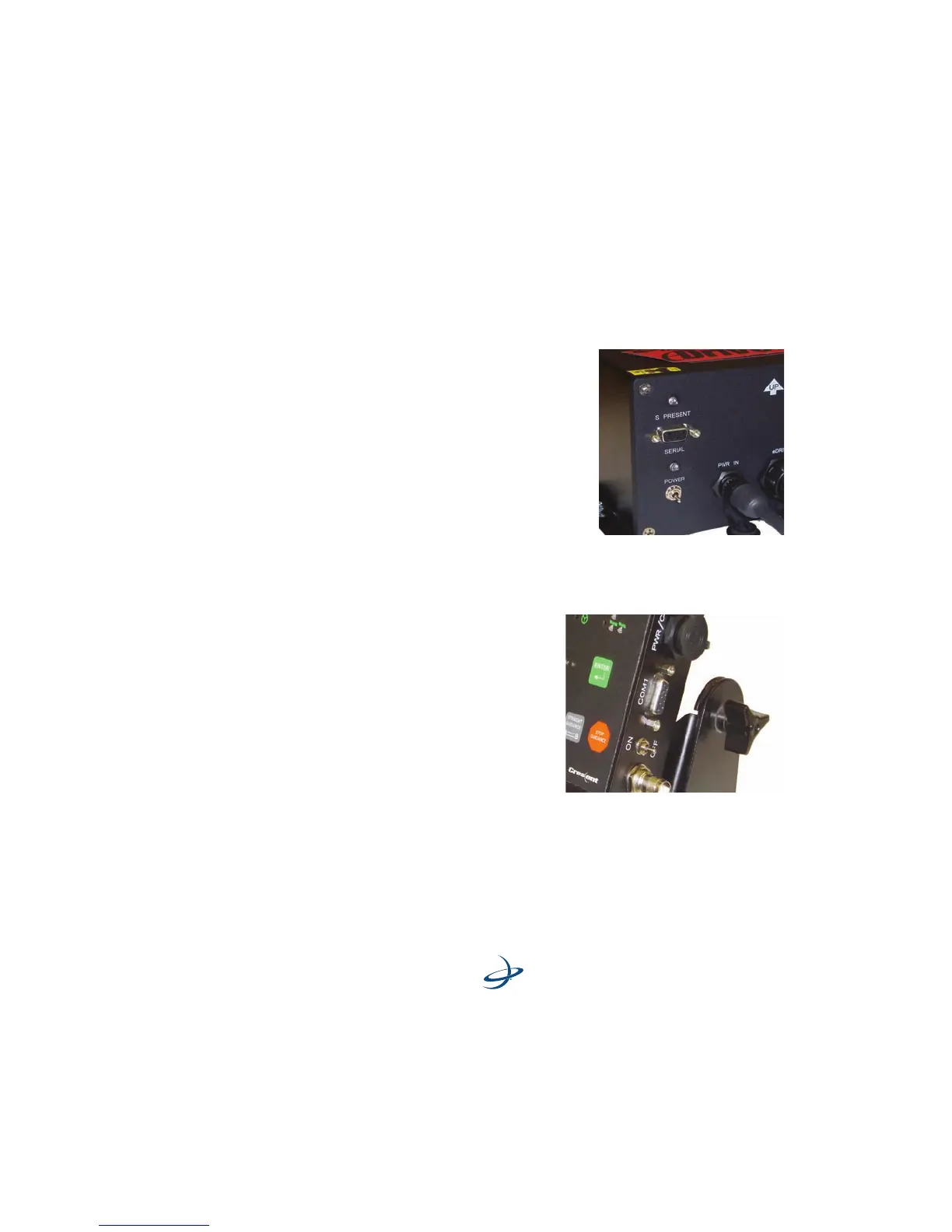
To power up both units
Turn on the power switches of the
Outback S2 and eDriveTC in any order.
The Outback S2 will boot up and begin
acquiring a DGPS signal. The eDriveTC
will establish communication with the
S2 and wait for the DGPS signal to be
acquired. The S present light on the
eDriveTC console indicates that
communication has been established.
To power up the Outback S2 only
Turn the power switch of the
Outback S2 on and leave the
Outback eDriveTC off. This causes
the Outback S2 to operate as
normal. Refer to the Outback S2
manual for operation instructions.



 To Next Page