8
2: Getting Started
Overview
Before using the Outback eDriveTC for the first time, you’ll need to:
• install the eDriveTC
• turn on the power,
• and set basic features.
Installing the eDriveTC
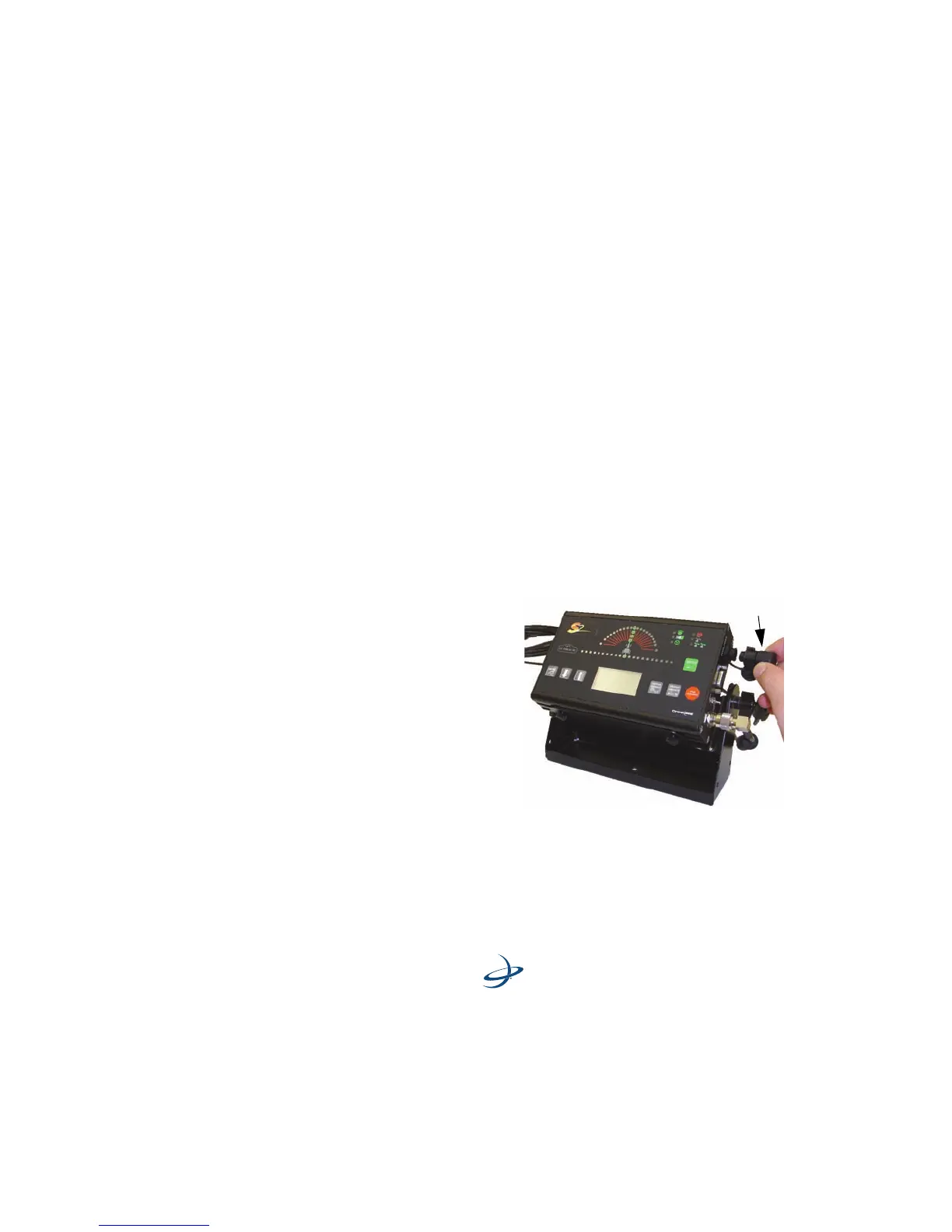
Exchange Power Cable - If the power cable currently used with the
S2 does not have a second CAN connector then it will need to be
replaced by the CAN/Power cable in the eDriveTC package. If the current
power cable used with the S2 has a second CAN connector then
proceed to the next page.
1. Lo cate the C AN/Po w er
cable in the eDriveTC
package.
2. Install the right angle
connector into the
Outback S2 CAN/Power
port as shown.
3. Twist the connector
firmly until it locks into
place.
4. Secure the CAN/Power
cable and antenna
cable back to the console mounting base with tie straps to provide
strain relief.



 To Next Page