eDriveTC User Guide
9
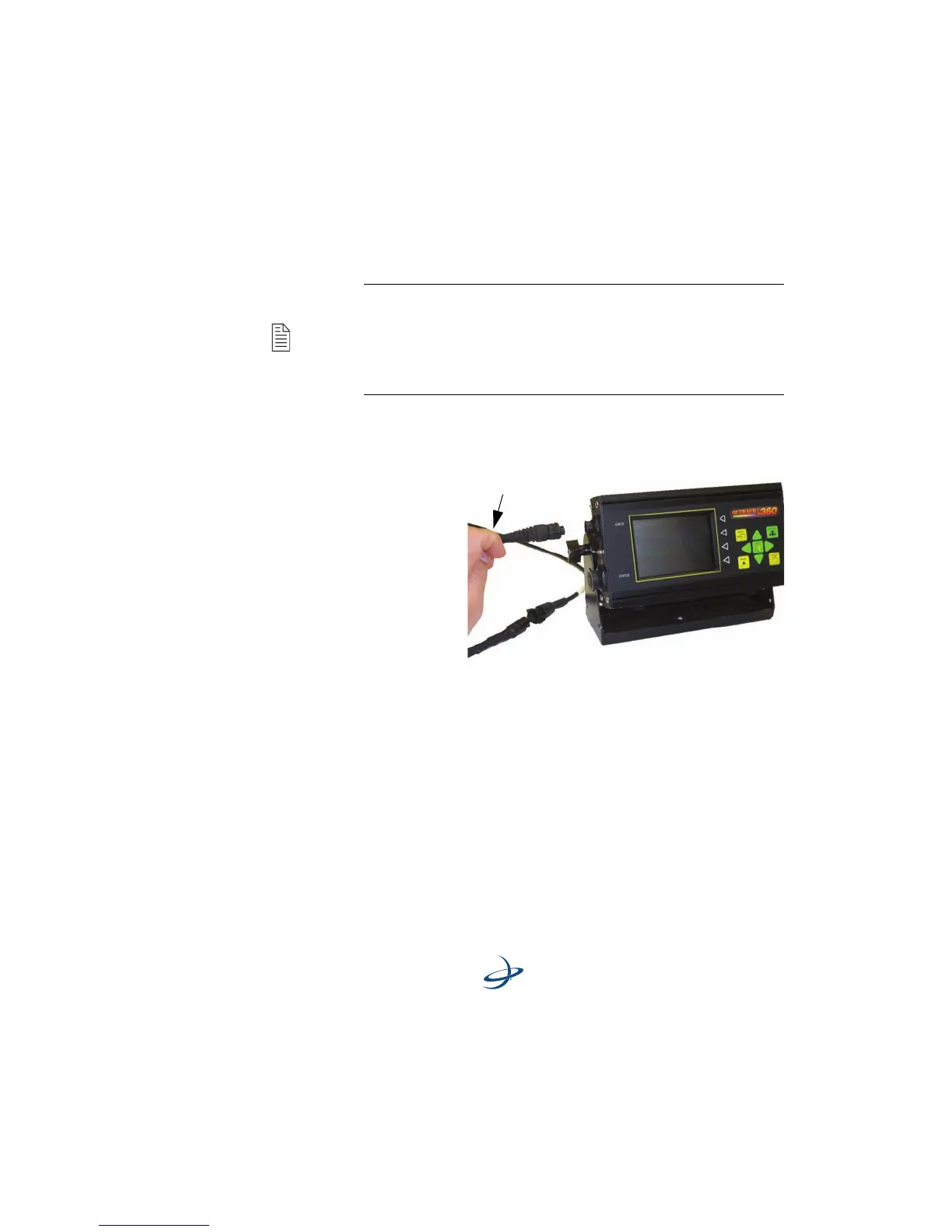
Daisy Chain Power Cable - Install an optional Outback external CAN
device, using the instruction booklet provided.
1. Lo cate the
CAN/
Expansion
cable in the
eDriveTC
package.
2. Disconnect
the CAN
connector
from the
external CAN
device and insert the ‘Y’ end of the CAN expansion cable as shown.
3. Twist connectors firmly until they lock into place.
4. Secure the cables to the console mounting base with tie straps to
provide strain relief.
Note: The Outback eDriveTC may also be used in combination
with an optional Outback external CAN device (example:
Outback 360.) If an external CAN device is already installed, it is
not necessary to exchange the power cable. Instead, a three-
connector CAN/Expansion cable is installed between the
external CAN device and the eDriveTC.



 To Next Page