14
English
|
Nederlands
|
Français
|
Deutsch
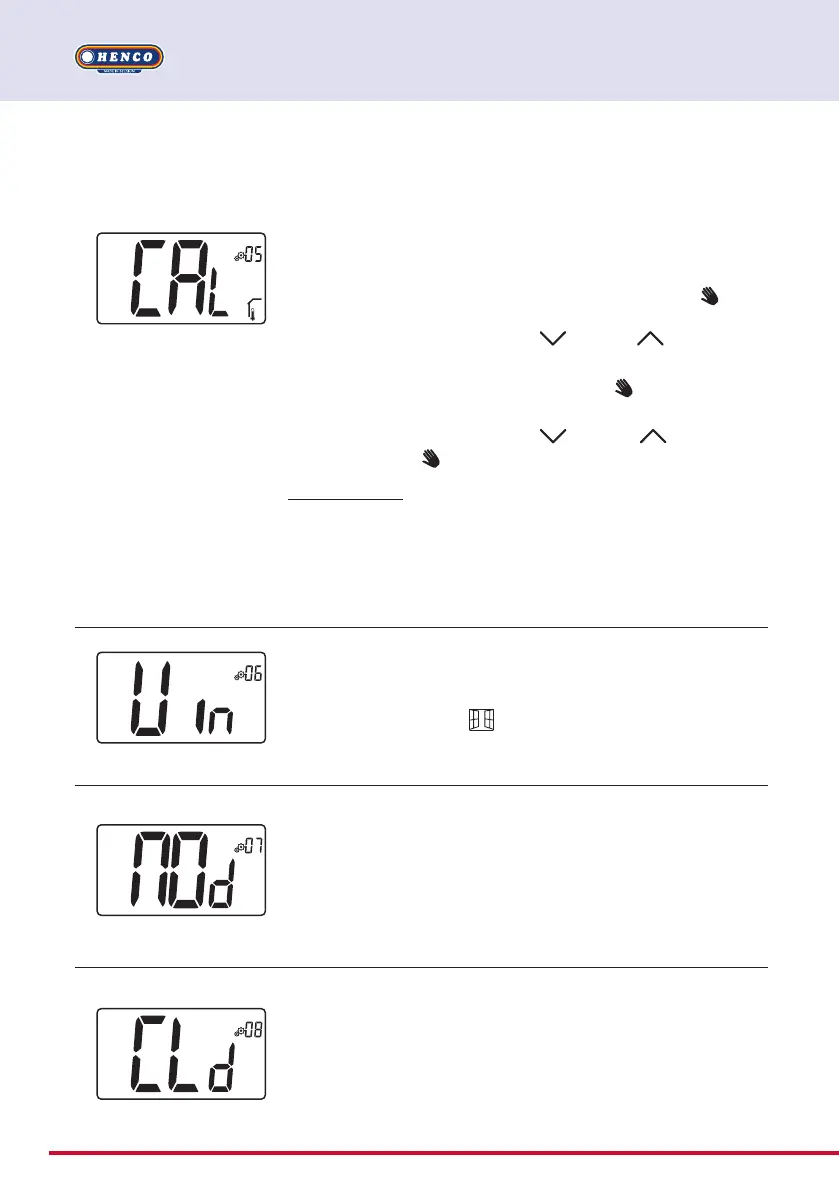
Calibration of external room sensor (remote)
This menu is only displayed if parameter rEG (#20) is set with “Amb”
or “Flr” or “Fll”.
Calibration must be done after a given order has been operating
for a day. Place the thermometer in the middle of the room at
about 1.5 m above the floor. Record the temperature shown after
1 hour. When you enter calibration mode, displaying of
logo
means no calibration has been performed yet. Enter the reading
on your thermometer using minus and plus keys (step of
0.1°C).
The setting is validated with validation key.
logo appears to
indicate that calibration.
If user press simultaneously minus
and plus keys, sensor
calibration is reset. logo disappears.
Important note: a large temperature deviation may indicate an
inappropriate installation of the thermostat. If the temperature
difference is too big, this could mean your thermostat was not
installed properly e.g. in the right place.
When user changes this parameter, regulation will restart.
Default value: 0.0°C Range value: -5.0°C to 5.0°C
Open window detection
“Yes”: activation of function
“no”: no activation
If function is active, logo
More information is in paragraph “Opened window detection”
Default value: Yes Values: Yes / no
Authorization or not of cooling mode
This parameter menu allows to enable or disable cooling in spe-
cific room like bathroom.
When the system is in cooling mode, the thermostat is switched
in Off mode.
Default value: Yes Other value: no
Operating mode of thermostat
- Hot: heating mode
- CLd: cooling mode
- Aut: automatic mode
- Rev: displaying of reversible menu (see paragraph 5.6
“Reversible mode”)
Default value: Hot Values: Hot / Cold / Aut / Rev


 To Next Page