- Check the EMERGENCY STOP function as described in the
manufacturer's manual, however, instead of pressing the EMERGENCY
STOP button on the machine, press the Emergency Stop button or the
yellow STOP button on the control panel of the transmitter.
- Now press the EMERGENCY STOP button or the yellow STOP button
on the transmitter.
Once you have pressed the EMERGENCY STOP button on the
transmitter, it should no longer be possible to exercise control over
any of the machine’s functions!
- Have you completed the checks and does the EMERGENCY STOP
system function properly?
- Now release the function button and unlock the EMERGENCY STOP
button on the transmitter again.
- After the EMERGENCY STOP button has been unlocked and the
transmitter restarted, the system is ready for operation again.
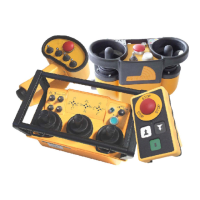
EMERGENCY STOP button, version 1
Unlock by turning clockwise.
(NOVA transmitters)
(Fig. 12)
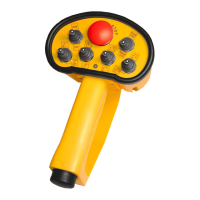
EMERGENCY STOP button, version 2
Unlock by pulling up.
(GL, handheld, and GR and TG transmitters)
(Fig. 13)
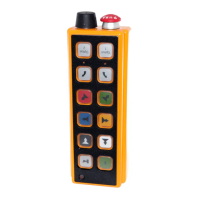
STOP button
Inching mode only (MINI transmitters)
(Fig. 14)





 To Next Page