2.3.1. Visual checks
Always
check the transmitter for damage each time before use!
- Are all protection devices present and intact?
- Are there any broken parts?
- Are the rubber sleeves and pushbutton caps free of cracks?
Never work with a transmitter that is damaged in any of these ways!
Ensure that such damage is dealt with immediately!
2.3.2. Safety checks and starting the radio remote
control system
- Check the charge state of your transmitter’s power supply (rechargeable
battery, non-rechargeable batteries)
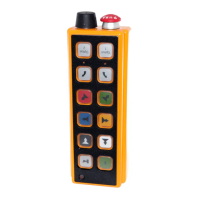
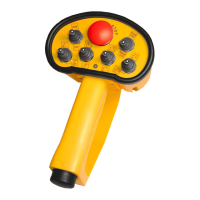
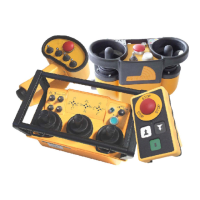
- In the event that your transmitter is equipped with an EMERGENCY STOP
button, ensure that it is not activated. If the button is activated, unlock it (see
pictures 12,13 and 14).
- Now start the machine to be controlled.
- If your transmitter has a green START button, press it or start the
transmitter by turning the key switch. If your transmitter does not have a
green START button, start the machine by pressing one of the function
buttons or the rocker switch.
- Jog mode: The transmitter does not transmit a continuous signal after the
START button or one of the function buttons is pressed, but switches itself
off two seconds afterwards. Thus, keep one of the function buttons
depressed in this mode upon actuating the EMERGENCY STOP button or
the STOP button during a safety check.
Continuous transmission mode: The radio signal and the EMERGENCY
STOP relay remain active until the transmitter is switched off.
- Now press one of the function buttons of the transmitter and keep it
depressed.





 To Next Page