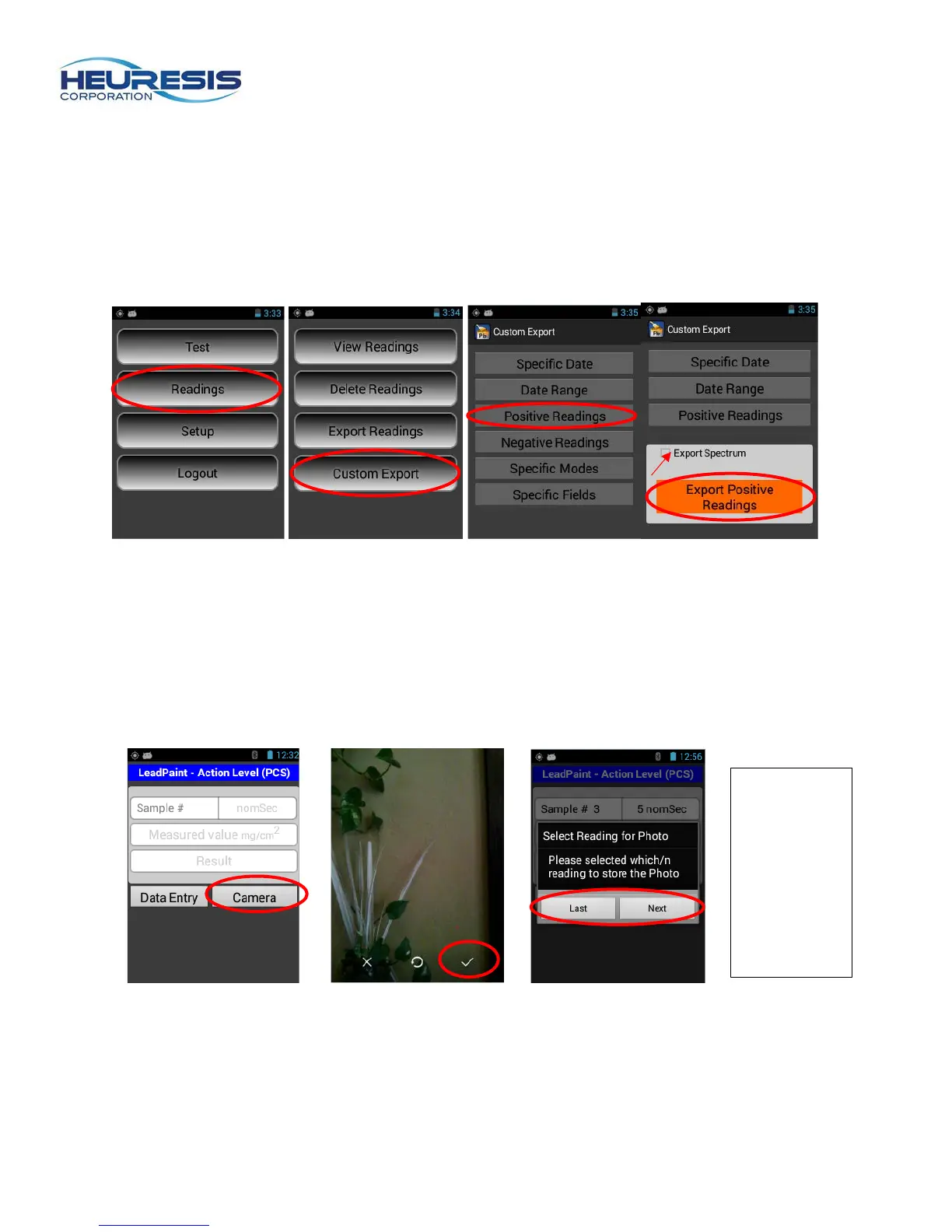
Custom Exporting
With the Pb200i you also have the ability to tailor your download to selectable fields. You may select any
of the options shown here by following the prompts. The user may also may elect to download the
spectrum by checking the option shown by the arrow below.
Figure 117 Figure 118 Figure 119 Figure 120
Camera
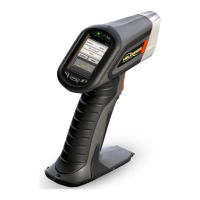
The Pb200i’s built-in camera is located in the foot of the instrument (see figure 1). The camera is
operated using the Pb200i application on the instrument.
CAUTION: Do not use the android camera application that is on the analyzer. To use the camera:
Figure 121 Figure 122 Figure 123
whether you
want to
append a
picture to
the previous
or the next
reading>


 To Next Page