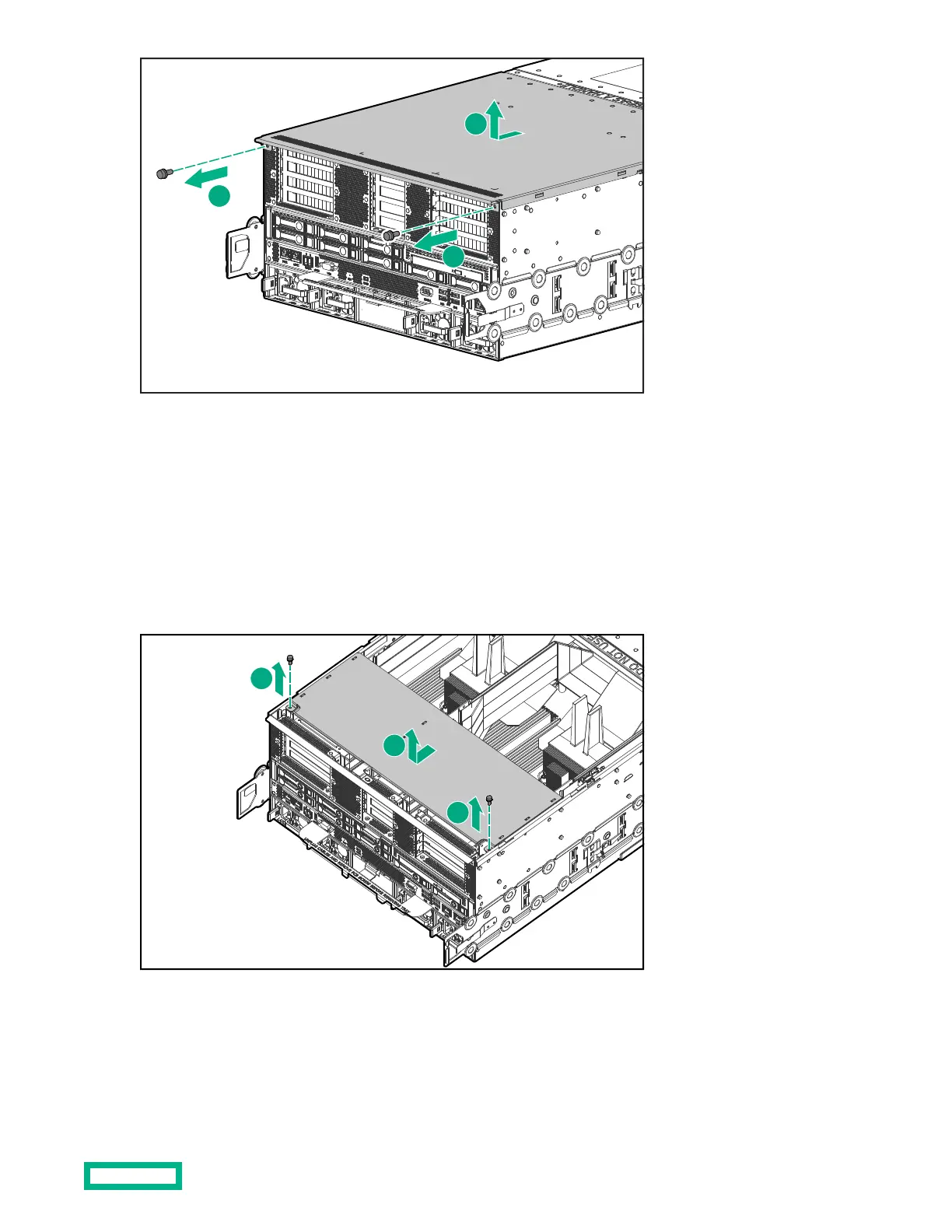
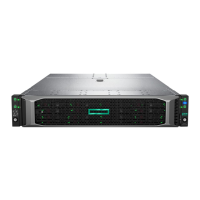
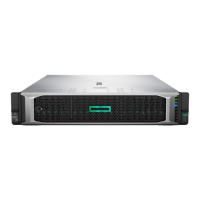
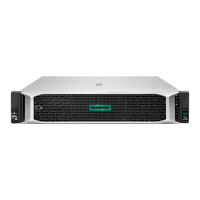
➀ Remove the two T10 screws that secure the cover.
➁ Slide and lift the cover o the chassis.
Removing the PCIe riser cover
The PCIe riser cover is under the rear cover.
Procedure
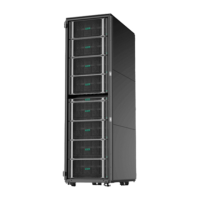
Remove the PCIe riser cover from the chassis.
➀ Remove the two T10 screws that secure the PCIe riser cover.
Accessing components
28


 To Next Page