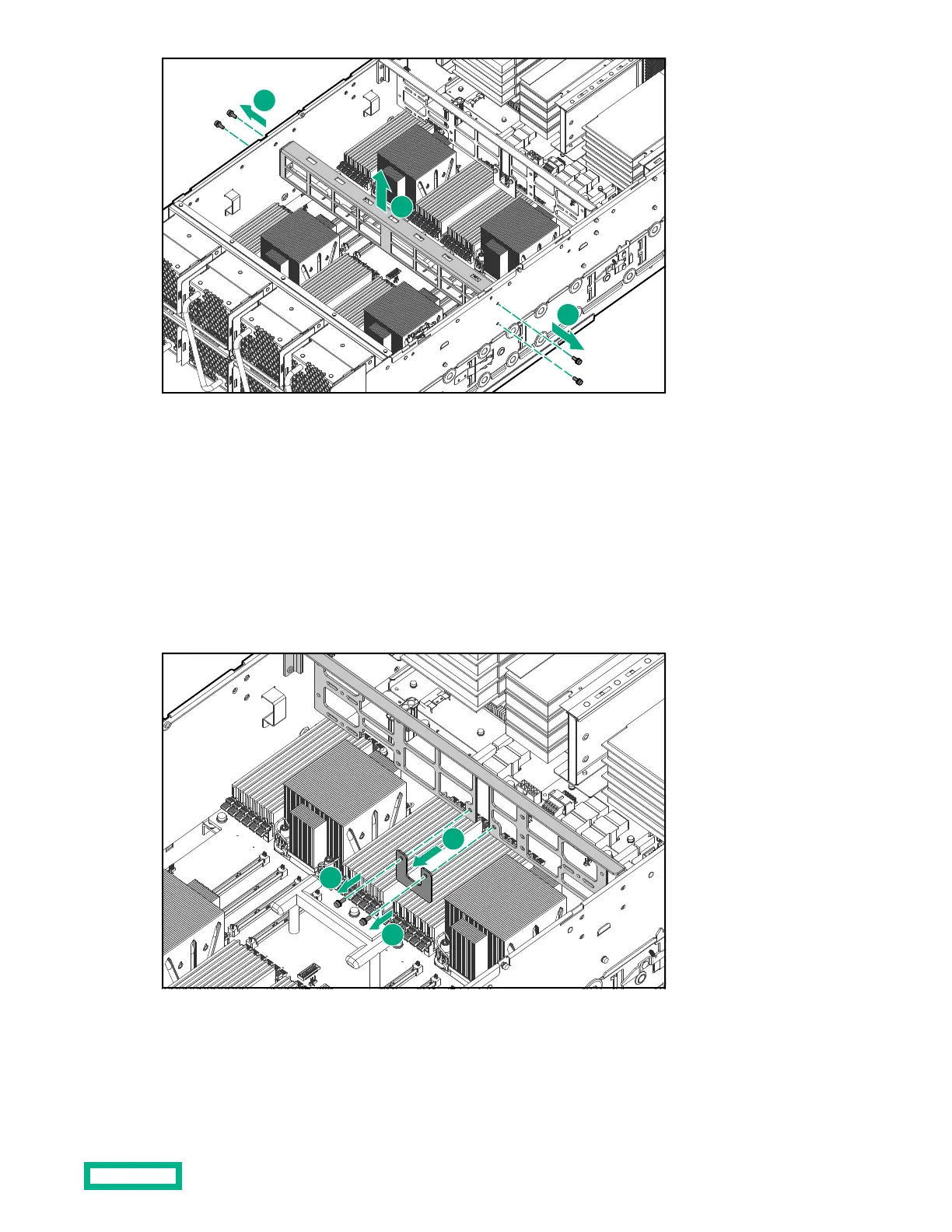
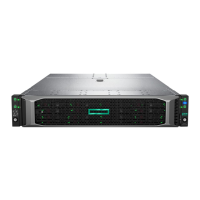
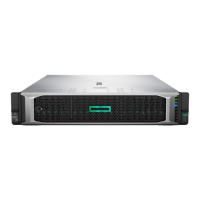
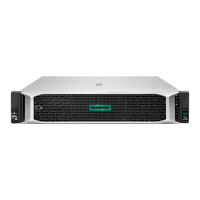
➀ Remove the four T10 screws (two on each side) that secure the cable management bracket.
➁ Lift the cable management bracket out of the chassis.
Removing the GPU support bracket
12 PCIe-slot chassis configurations include a GPU support bracket. This bracket must be removed to replace the
motherboard.
Procedure
1.
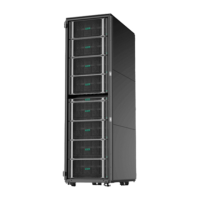
Remove the T10 screws and then remove the U-bracket.
➀ Remove the two T10 screws that secure the U-bracket under the middle of the GPU support bracket.
➁ Remove the U-bracket.
2. Remove the T10 screws and then lift the bracket out of the chassis.
Accessing components
32


 To Next Page