17
Power Supply
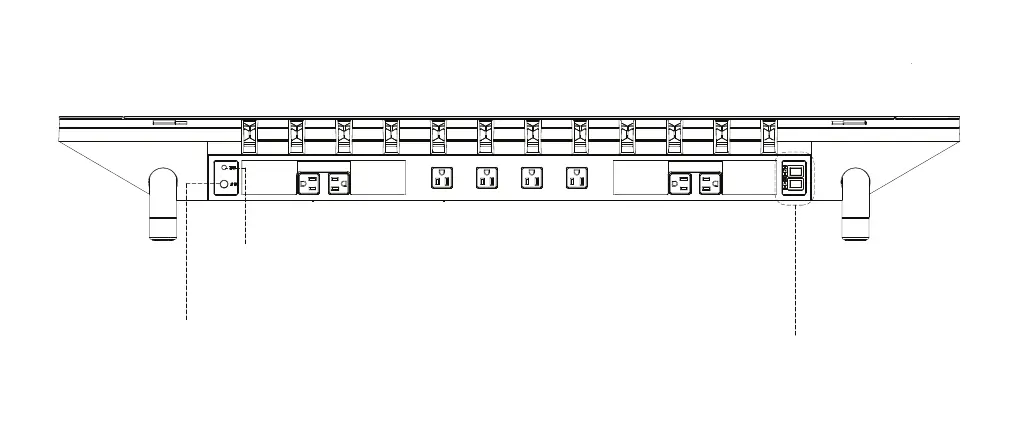
Plug the Studio to the wall power
Input: 120V/12A/60Hz.
2
Ensure the RESET button is pressed by
factory default.
For more information please see Over Current
Protection on p.19.
1
Press both buttons to access full functions.
INT - controls the power supply for Studio’s internal functions.
EXT - controls the power supply for user devices.
3


 To Next Page